Blueprint Production Process with Unreal Engine: A Step-by-Step Comprehensive Guide
- Author
- Gokhan Kusatan
- Published
- Read Time
- ~ 2 min
- Categories
- Engine Specifics
In the game development process with Unreal Engine, the key to creating practical game mechanics without writing complex code lies in the Blueprint system. In this blog post, we will delve deeply into the production workflows of Blueprint and similar features.
What is Blueprint and Why is it Important?
Blueprint is Unreal Engine's visual scripting system. It enables you to create game mechanics without requiring any coding knowledge. This system is highly useful for both professionals and beginners, offering a flexible and intuitive way to build gameplay functionality efficiently.
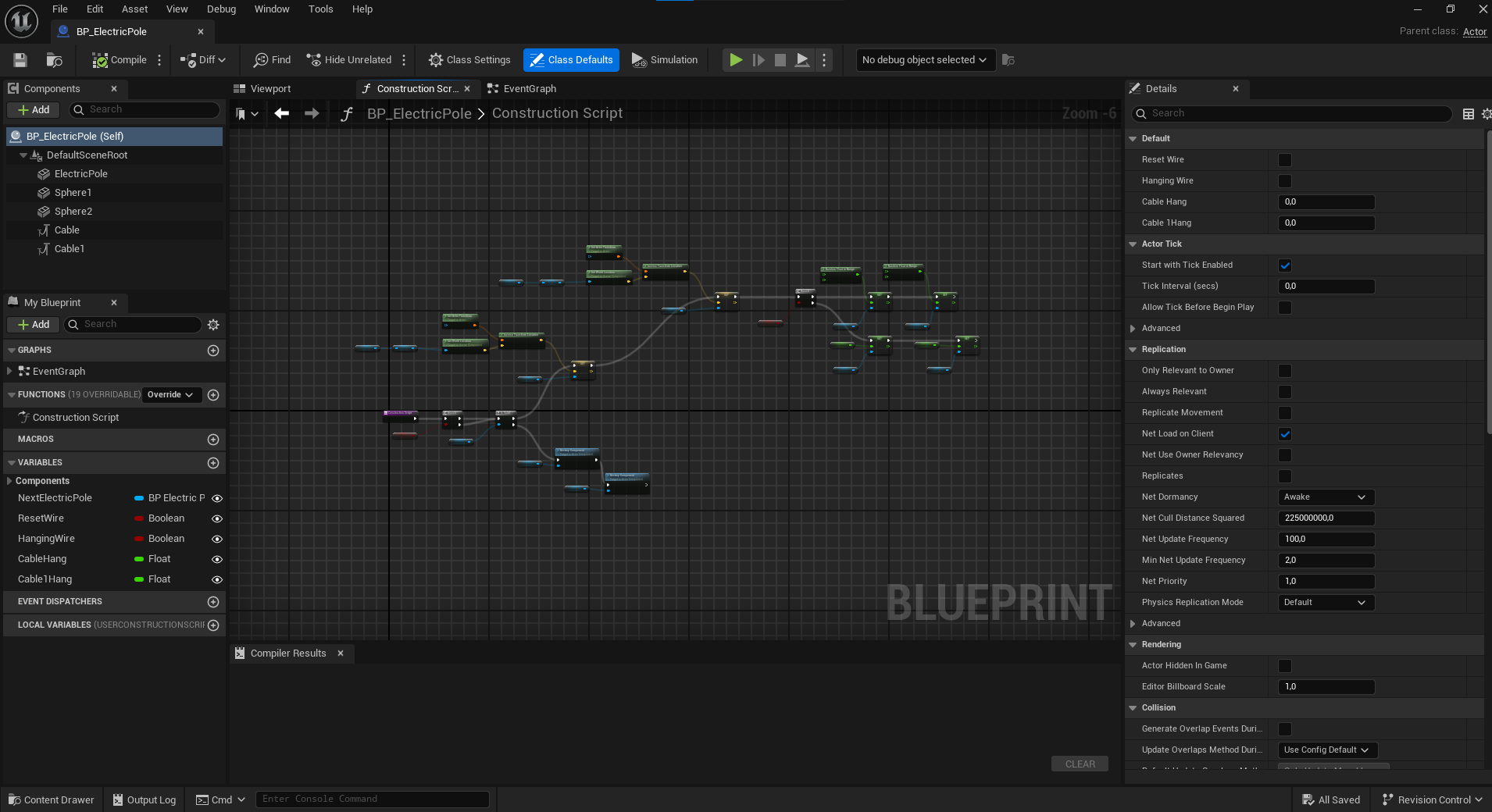
Blueprint Production Process
The Blueprint production process consists of the following steps:
1- Concept and Planning
Every successful project starts with solid planning. A good plan involves deciding which game mechanics will be used and how these mechanics will be presented to the player.
2 - Initiating Blueprint Design
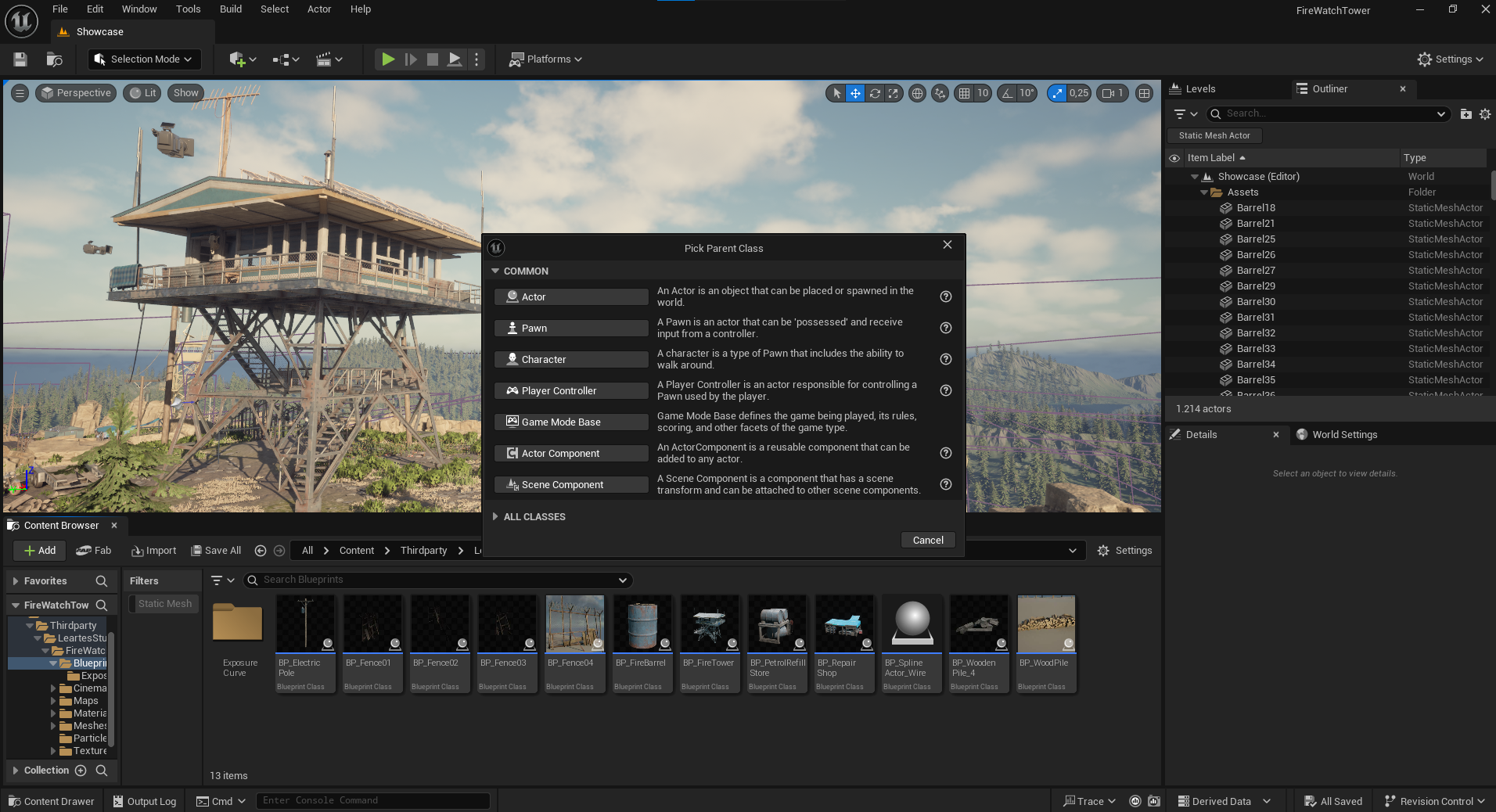
Creating a new Blueprint in Unreal Engine begins with selecting the appropriate class (such as Actor, Pawn, Character, etc.). The choice of Blueprint class determines the in-game functionality of the object you are creating.
3 - Creating the Logical Structure
You create the Blueprint logical flow using visual nodes. These nodes connect events, functions, and conditions to trigger actions within the game.
4 - Testing and Debugging Process
You use Unreal Engine’s simulation modes to test the Blueprint you’ve created and to fix any errors. Identifying and resolving issues is a critical phase of the Blueprint production process.
5 - Optimization and Refinement
In the final step, performance improvements and optimizations are made. Unnecessary operations are removed or reorganized to enhance the efficiency of the nodes used and optimize overall performance.
Advantages of Blueprint Production
– Rapid prototyping without the need for coding knowledge.
– Easy debugging with a clear and visual interface.
– Flexible development possibilities thanks to extensive library support.
Conclusion
Using Blueprint significantly accelerates and simplifies the game development process. It offers a unique solution, especially for developers without coding skills.
By following this guide step by step, you can easily create your own projects and make a strong start to your game development journey!
You can also find high-quality assets and resources to enhance your projects at Cosmos