Whatever you're building, there's a tool for it
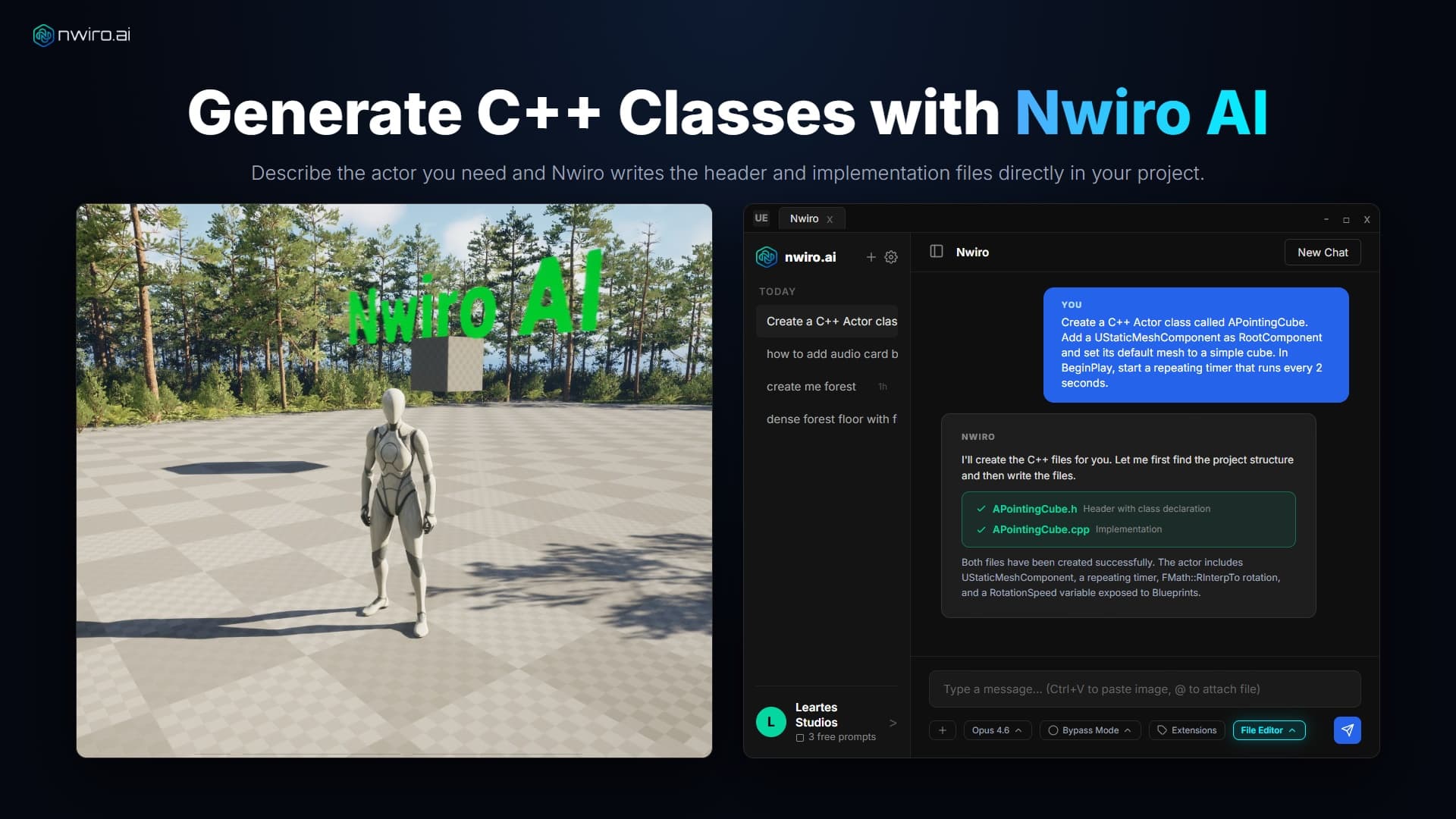
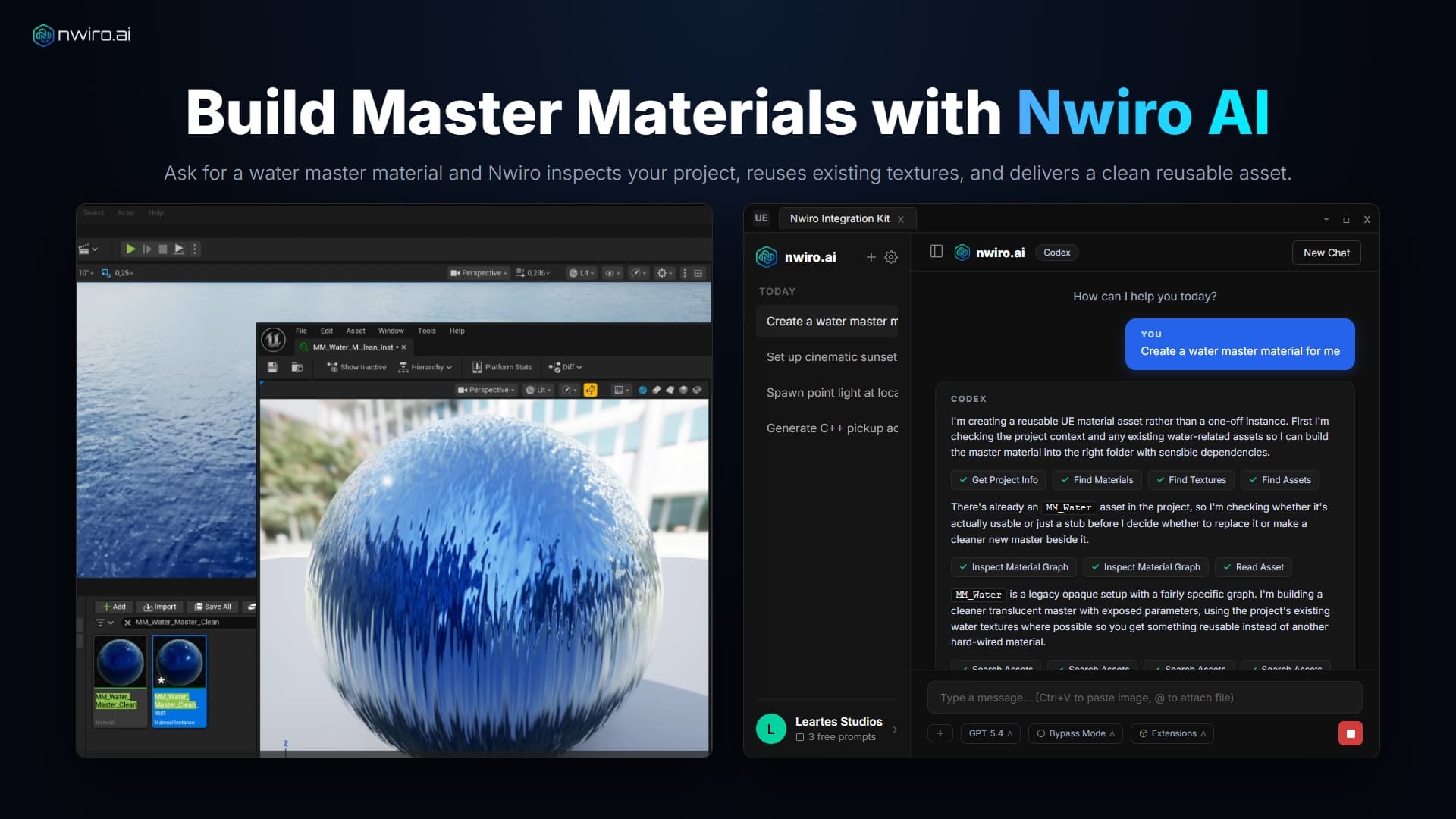
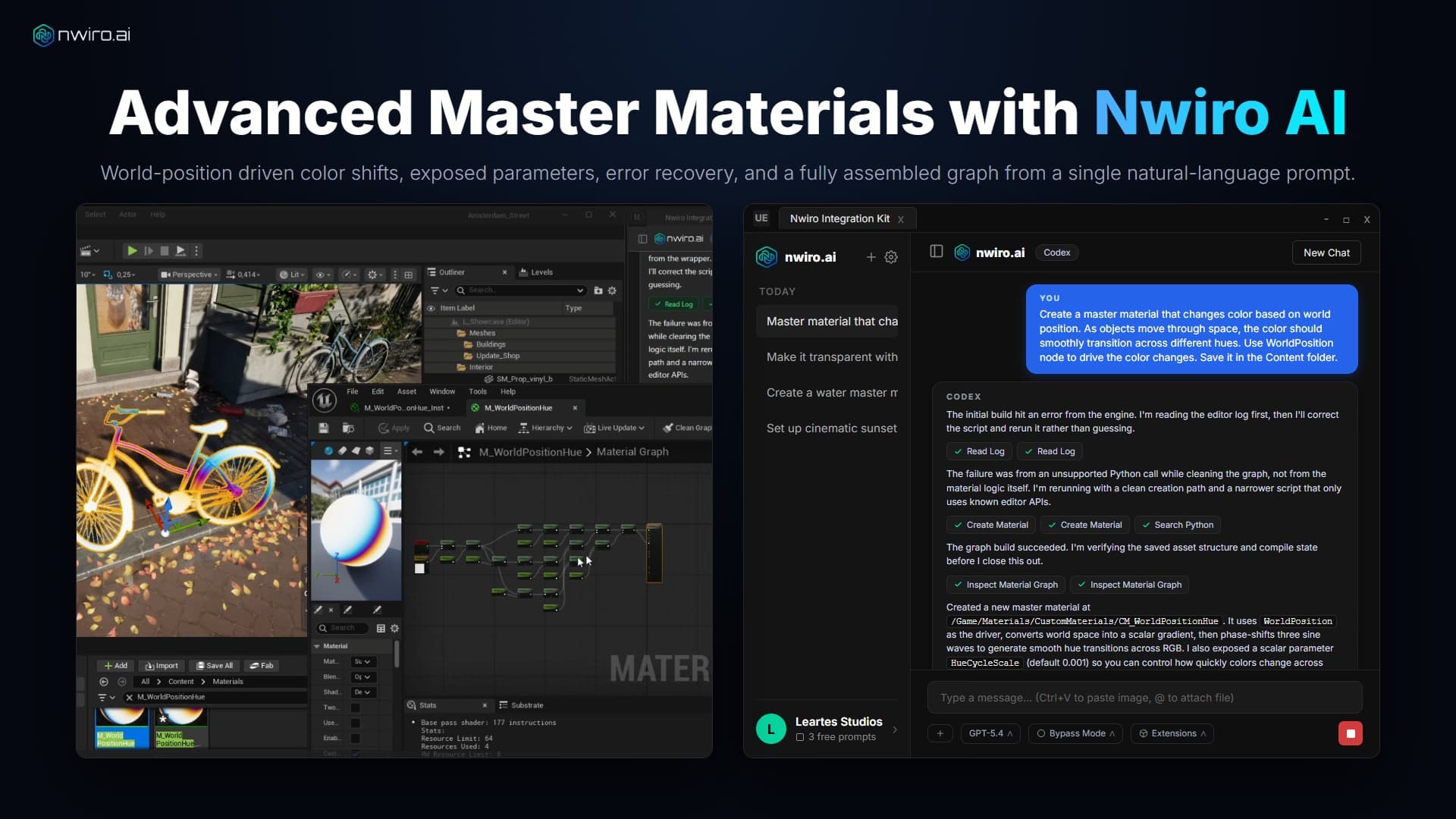
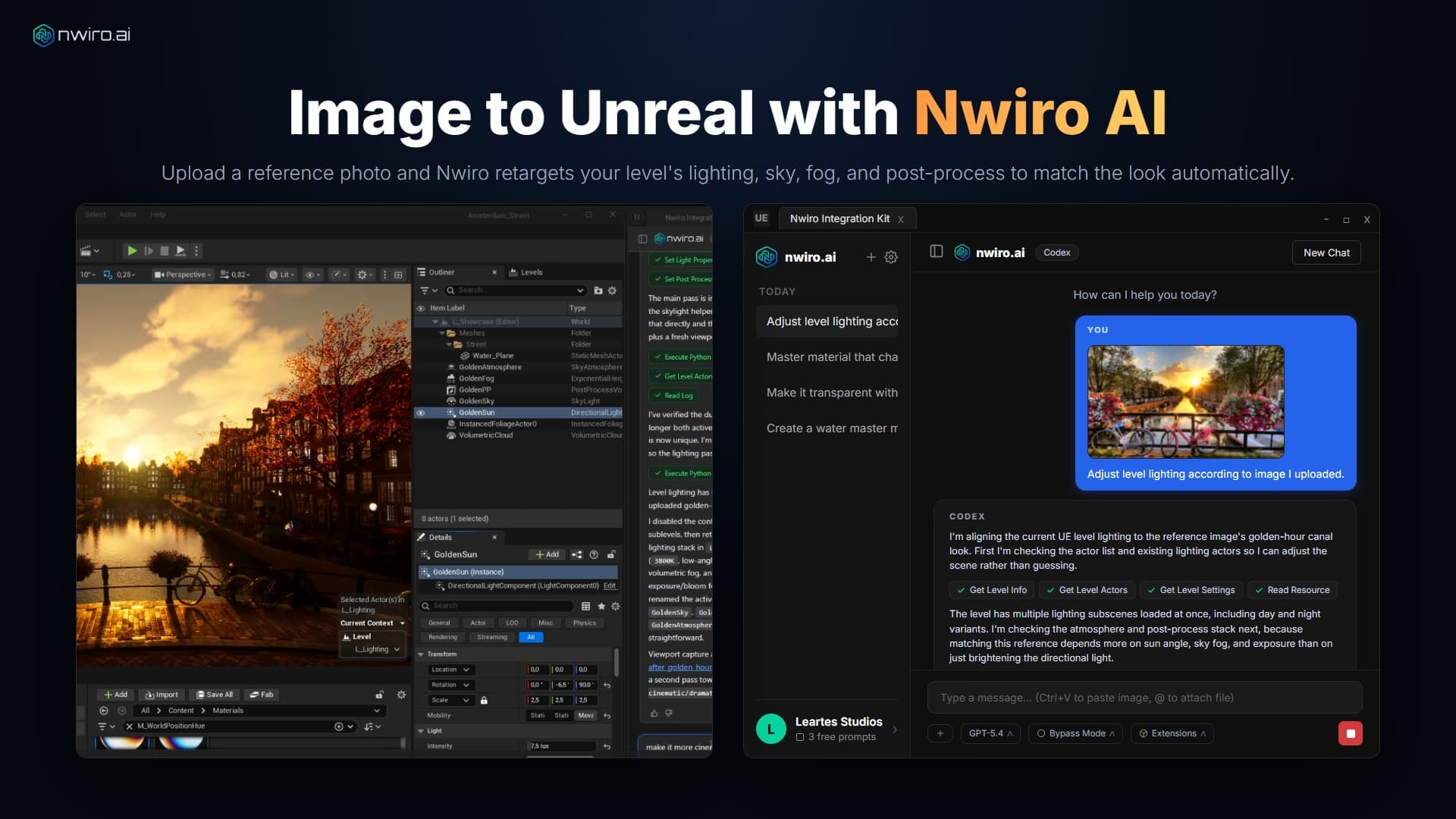
Wire up a Blueprint. Author a material graph. Retarget an animation. Lay out a level, paint foliage, drive Sequencer, generate with PCG, debug a broken node graph, and then hit Play to let the AI inspect the running game.
224
Tools
37
Areas of Unreal
One catalogue, in both Nwiro AI Pro and the Integration Kit.
Note:5.7+marks the tools that need Unreal Engine 5.7 or newer.
Unlock Your True Potential
Start free with your own Claude or GPT, or switch to Nwiro AI Pro for advanced PCG pipelines and more AI models.Nwiro AI Integration Kit
Perpetual LicenceA great fit for solo developers and small teams who want to speed up their Unreal Engine workflow.✓Claude & GPT via CLI, plus Local LLMs
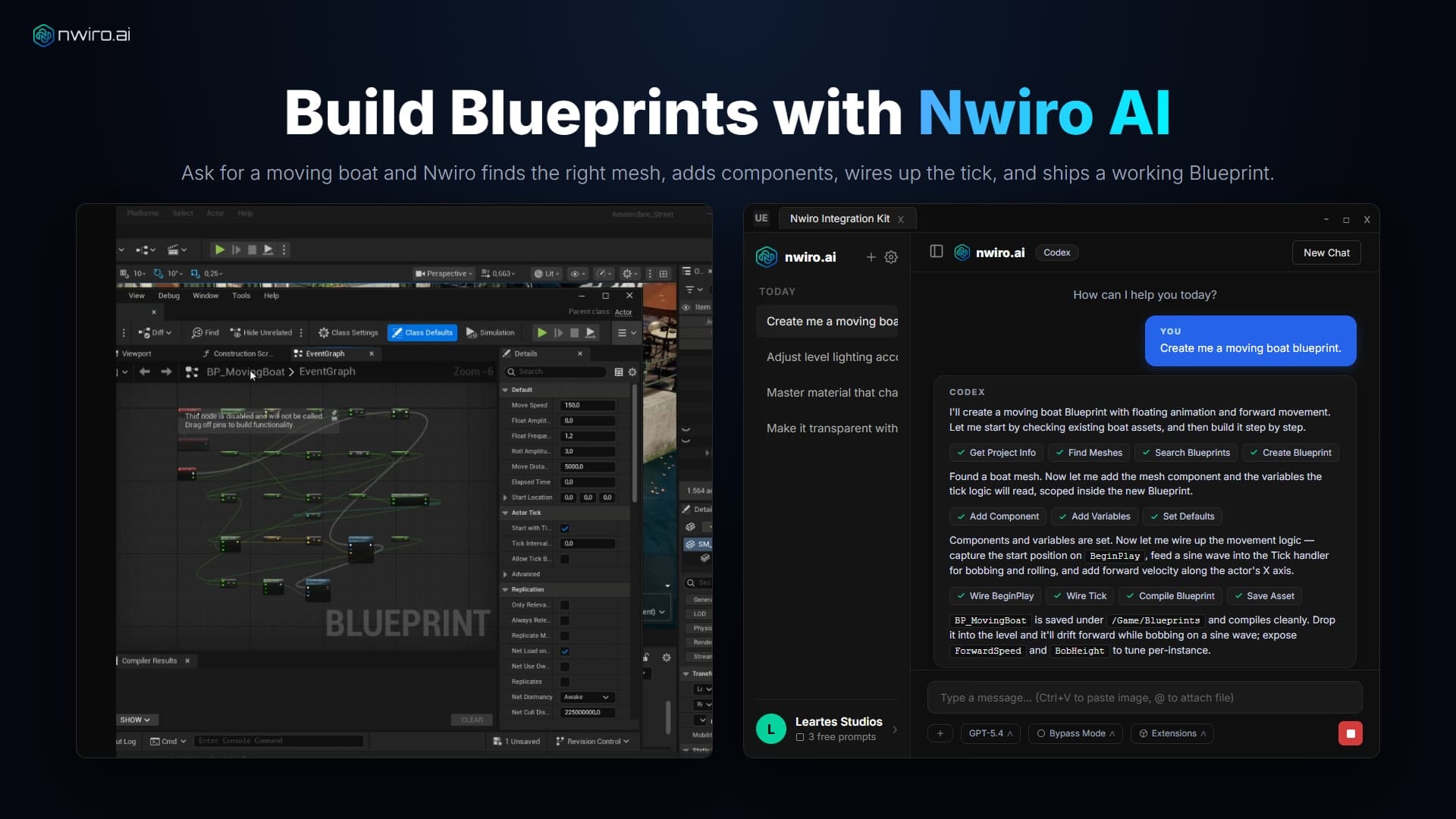
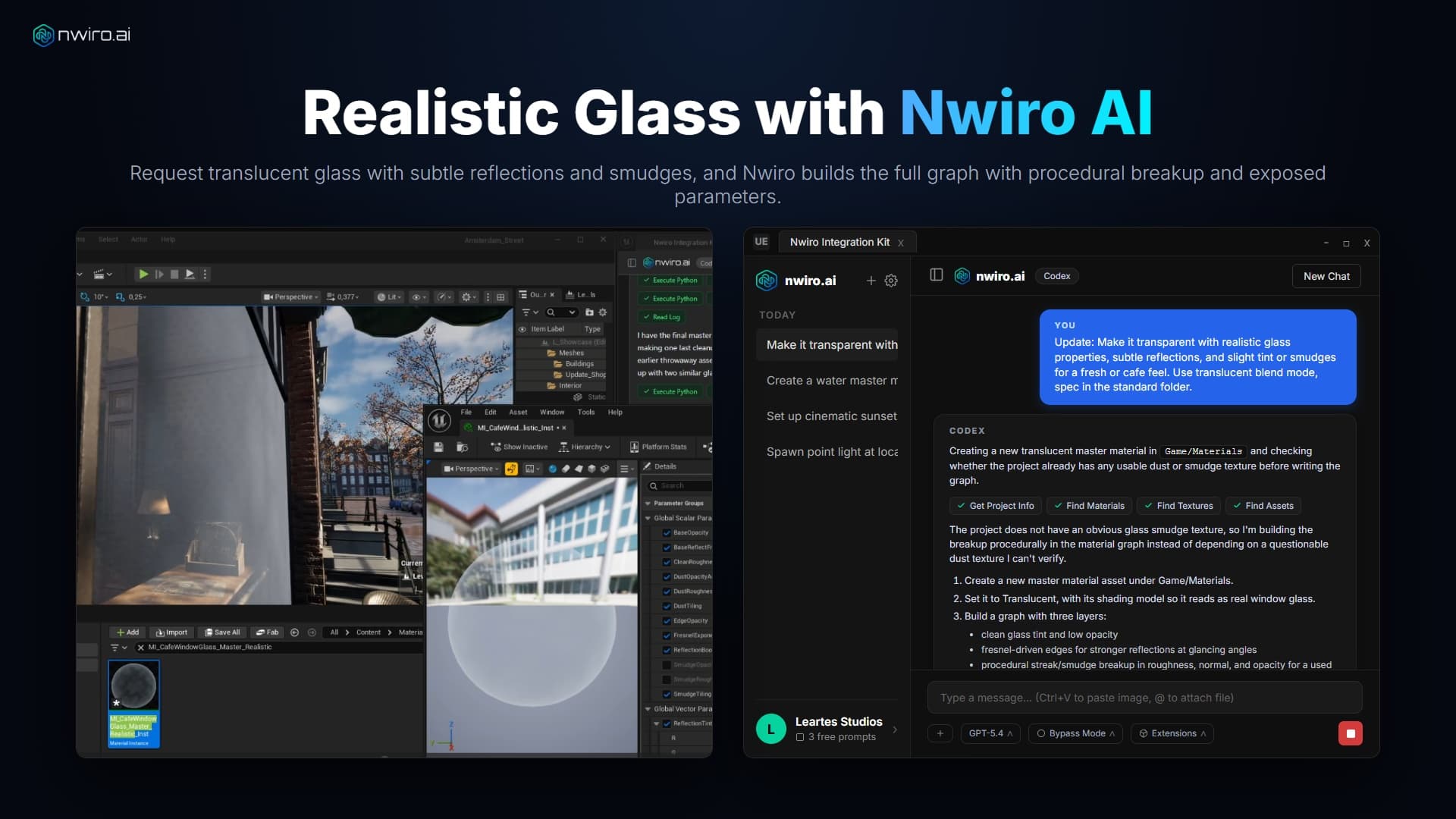
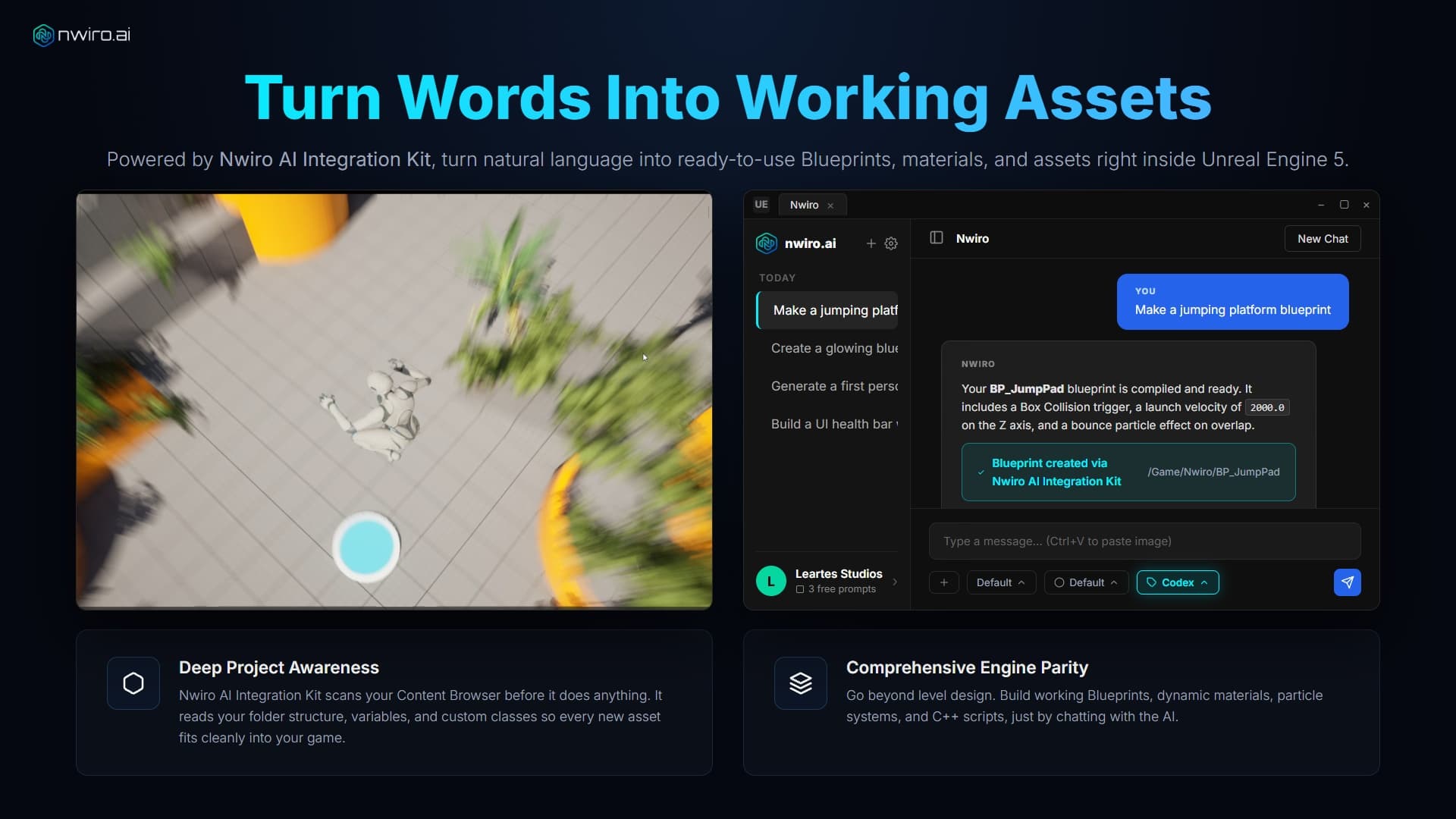
✓Blueprint, Material & UI Generation
✓AI-Powered Bug Fixing & Logging
✓3D Models via Meshy AI & Tripo 3D
✓Audio, SFX & PBR Textures (ElevenLabs, fal)
✓Custom Tools via one UFUNCTION tag
✓Runs on Windows & macOS
✓Zero Dependency
✓Discord Support
✕Advanced PCG Graph Generation
✕HDRI & Landscape Generation
✕Advanced Custom Plugin Architecture
Nwiro AI Pro
Subscription or CreditsFor power users and studios that need advanced PCG pipelines, expert workflows, and direct support.✓Every Tool in Nwiro AI Integration Kit & More
✓Advanced PCG Graph Generation
✓Advanced Custom Plugin Architecture
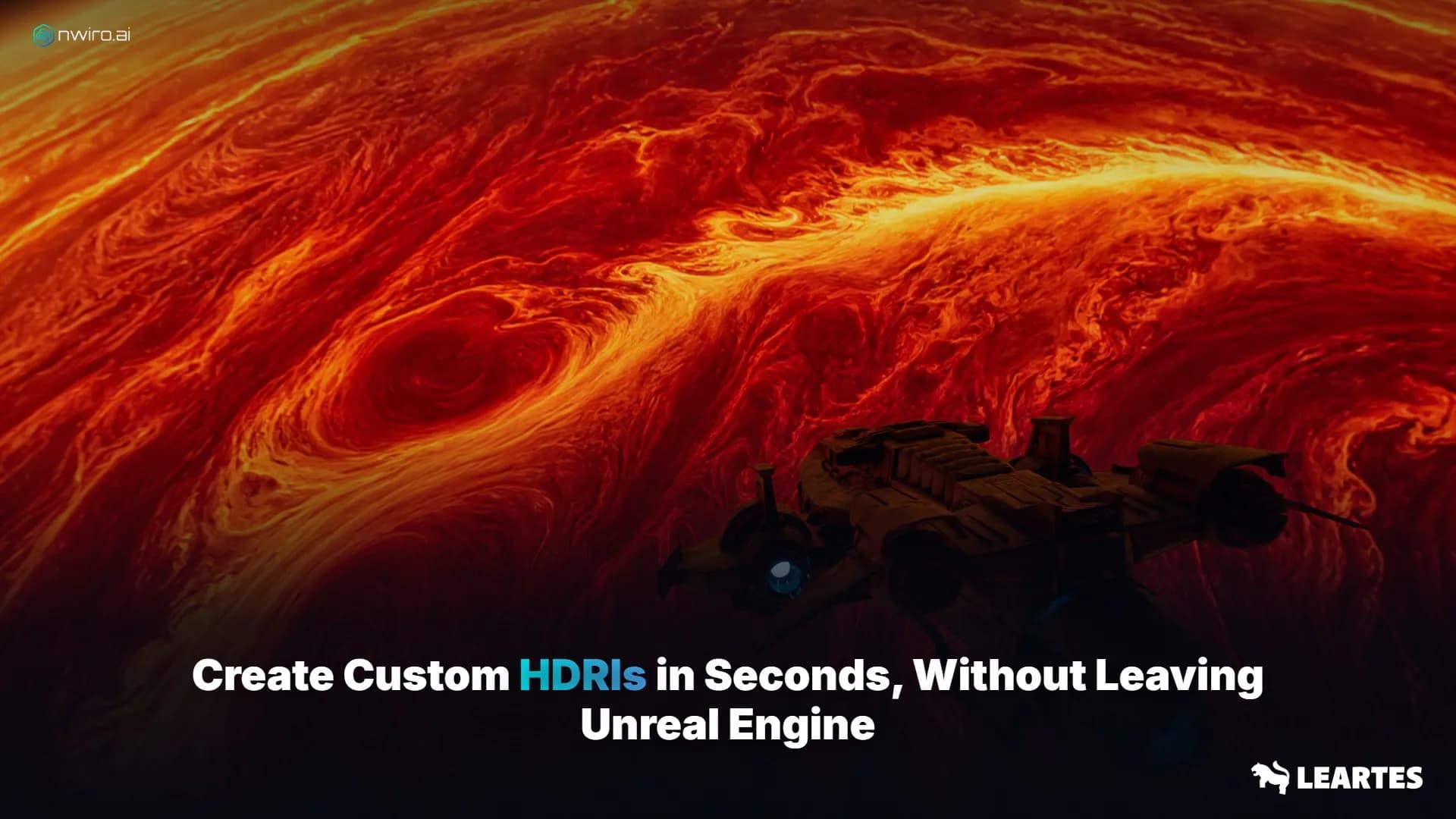
✓HDRI Generation
✓Landscape Generation (real-world terrain)
✓Discord Support
✓Latest Claude Models (Opus, Sonnet, Haiku)
✓Latest GPT Models
✓Latest Gemini Models
✓Latest SOTA Open-Source (Deepseek, Mistral, Llama, Kimi, Gemma) Models
 Visit
Visit 
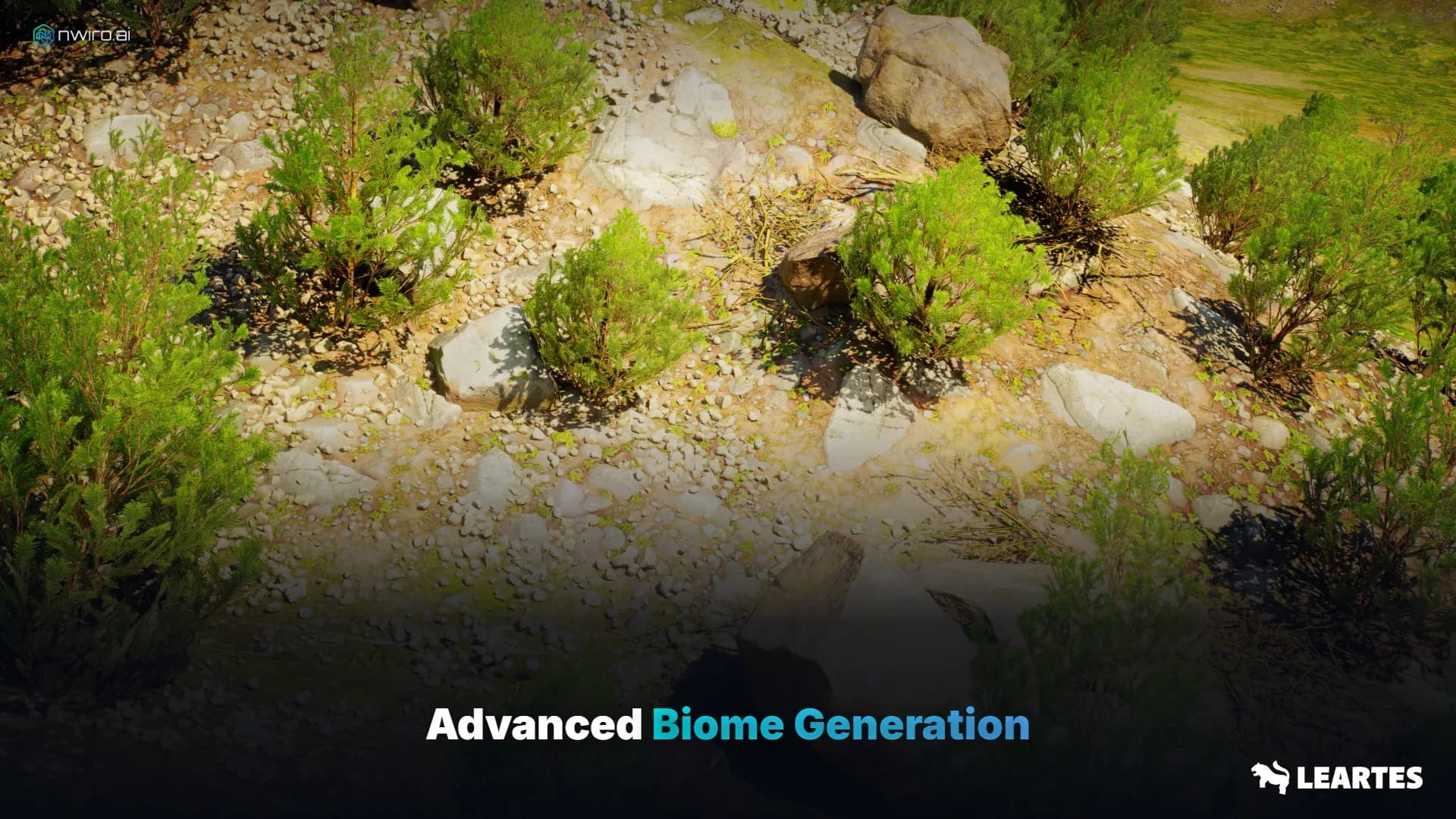
Advanced Biome Generation
Premium features that take your Unreal Engine workflow to the next level.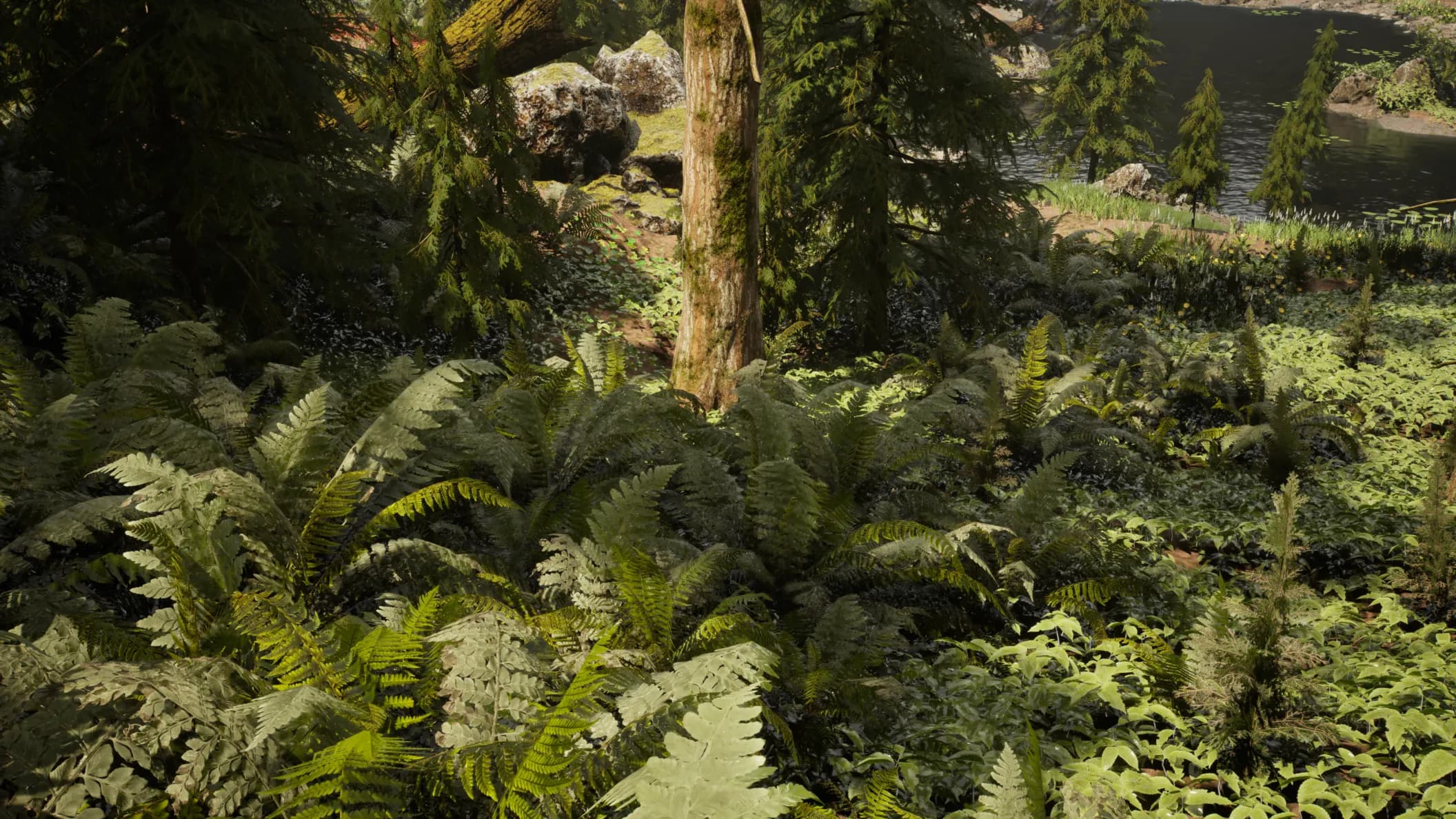
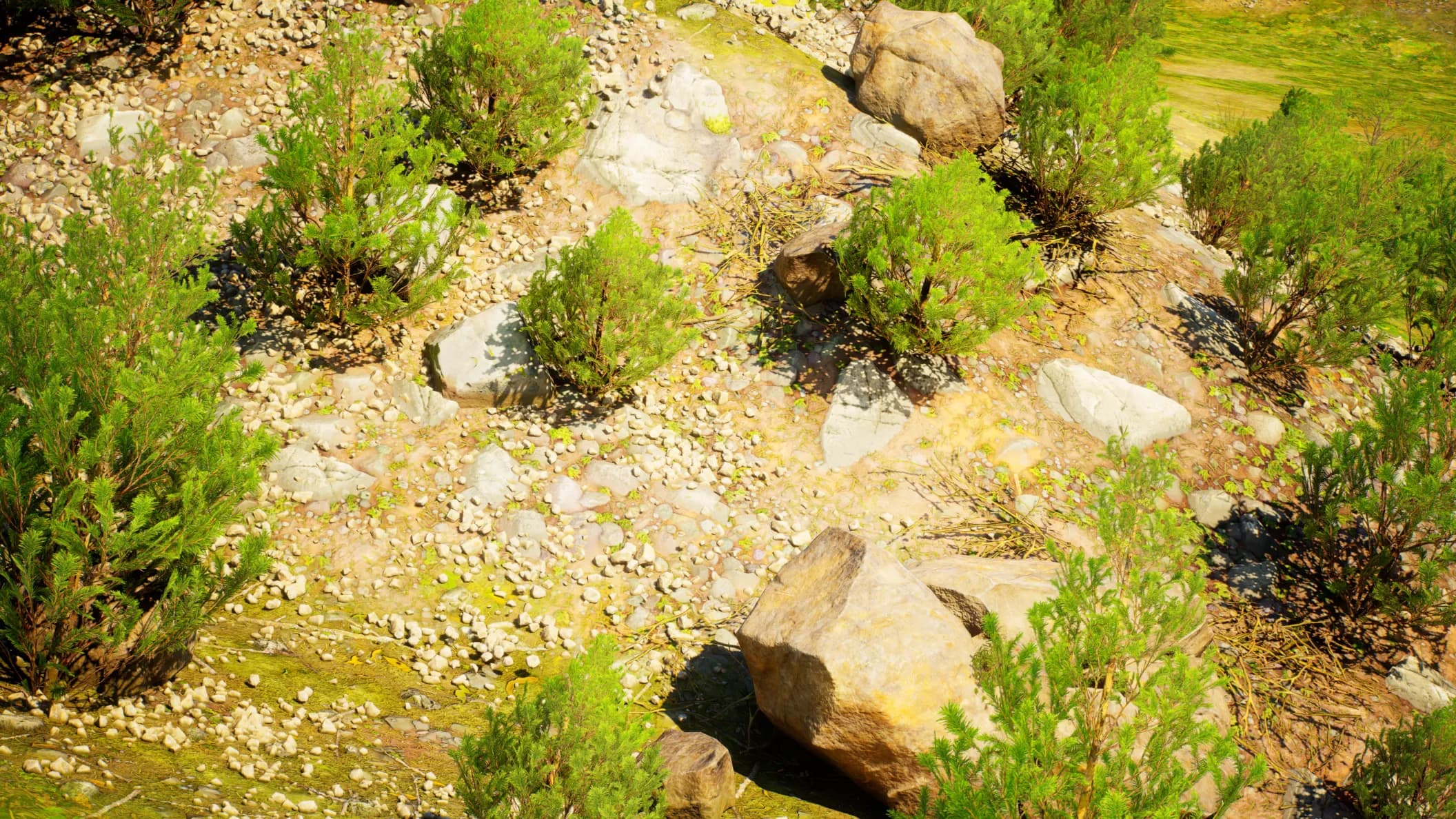

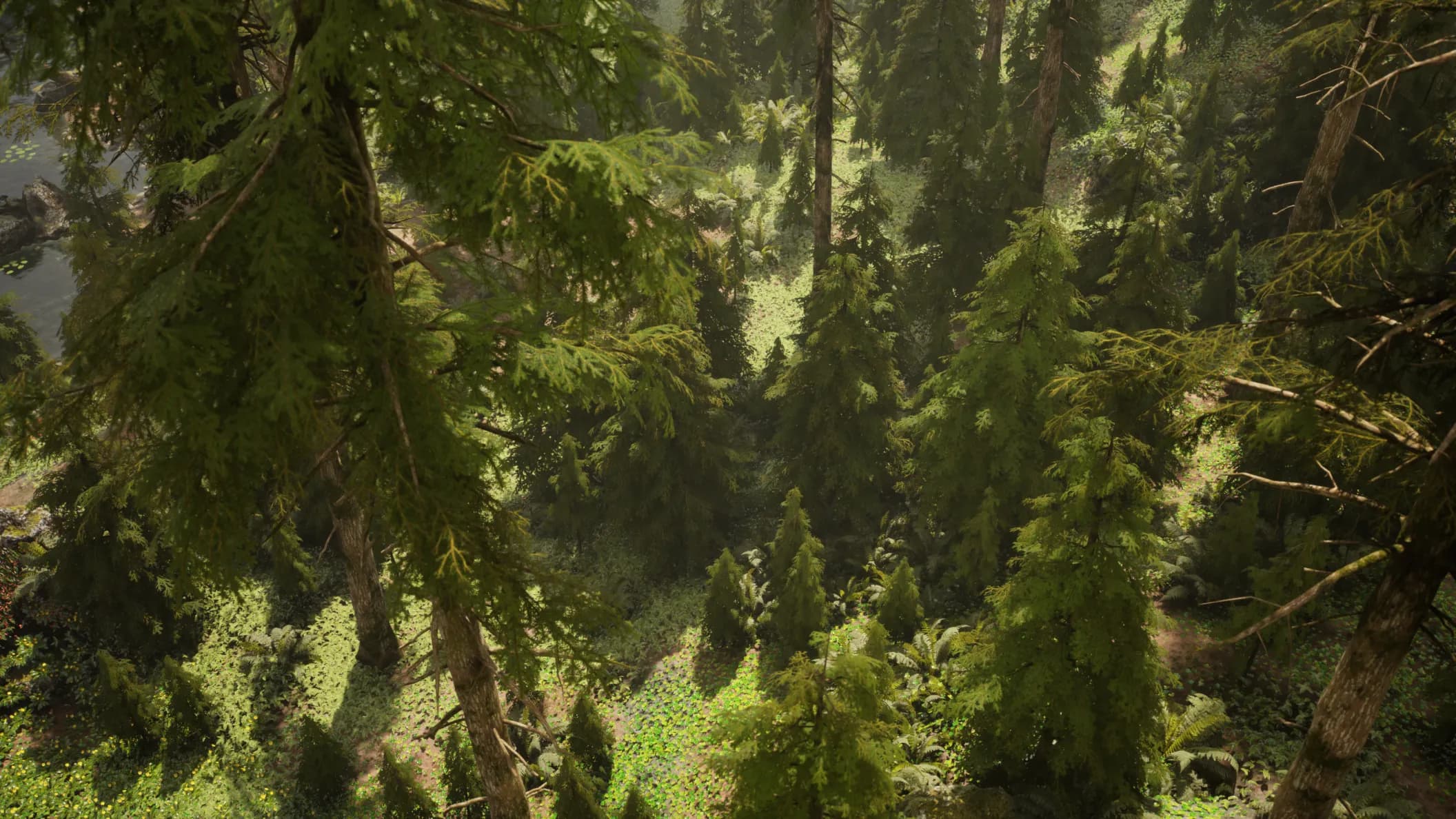
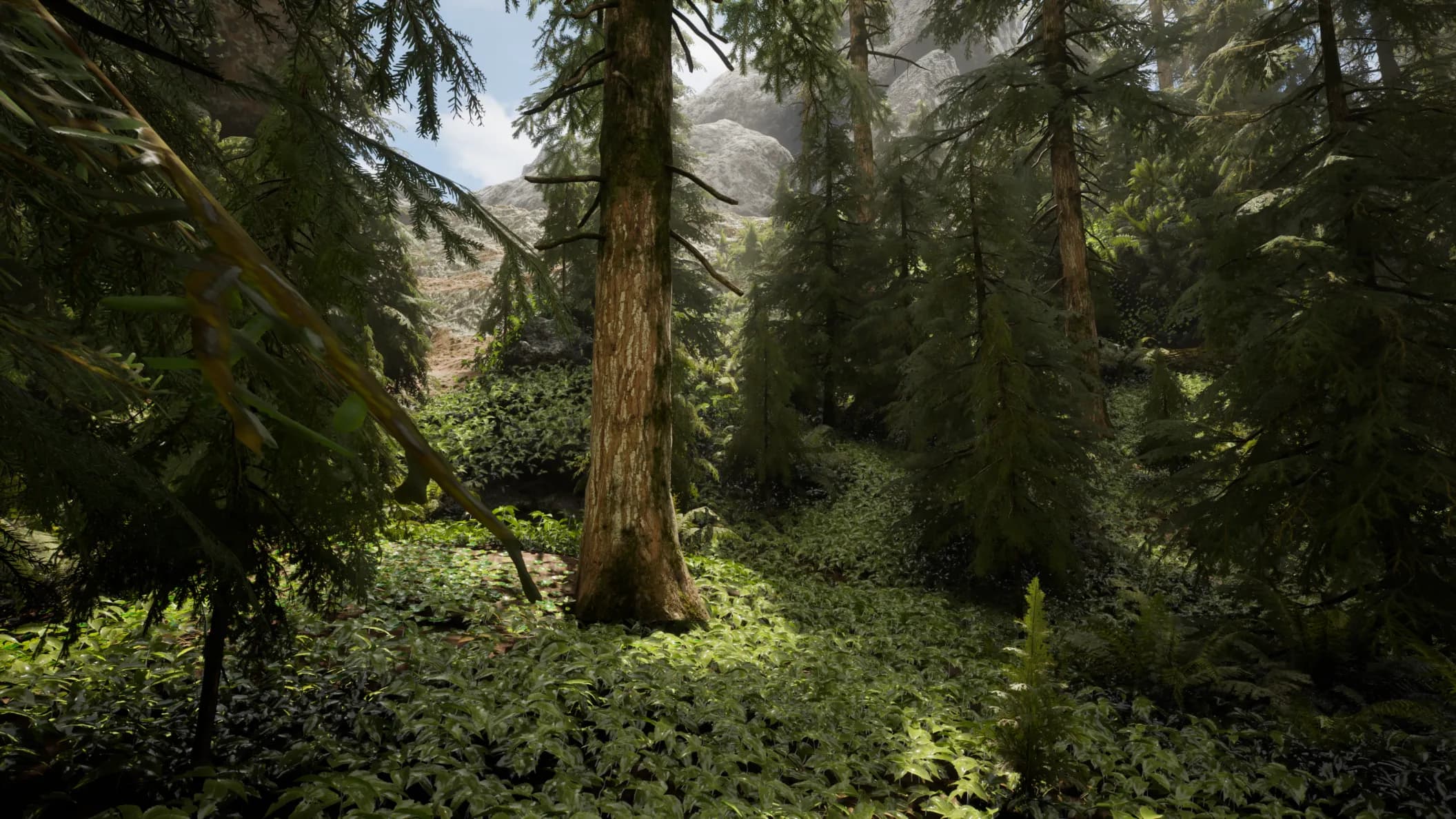
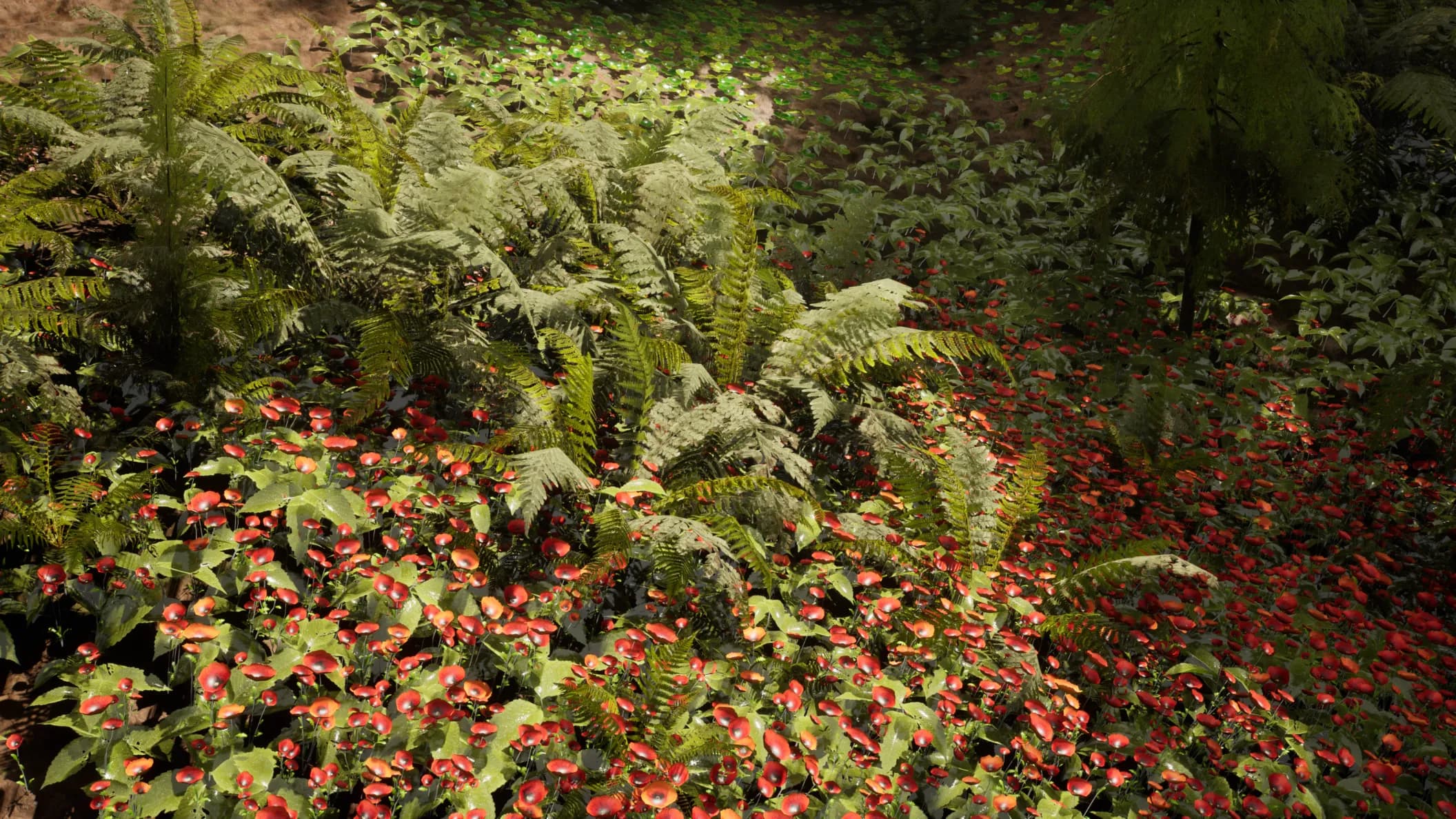
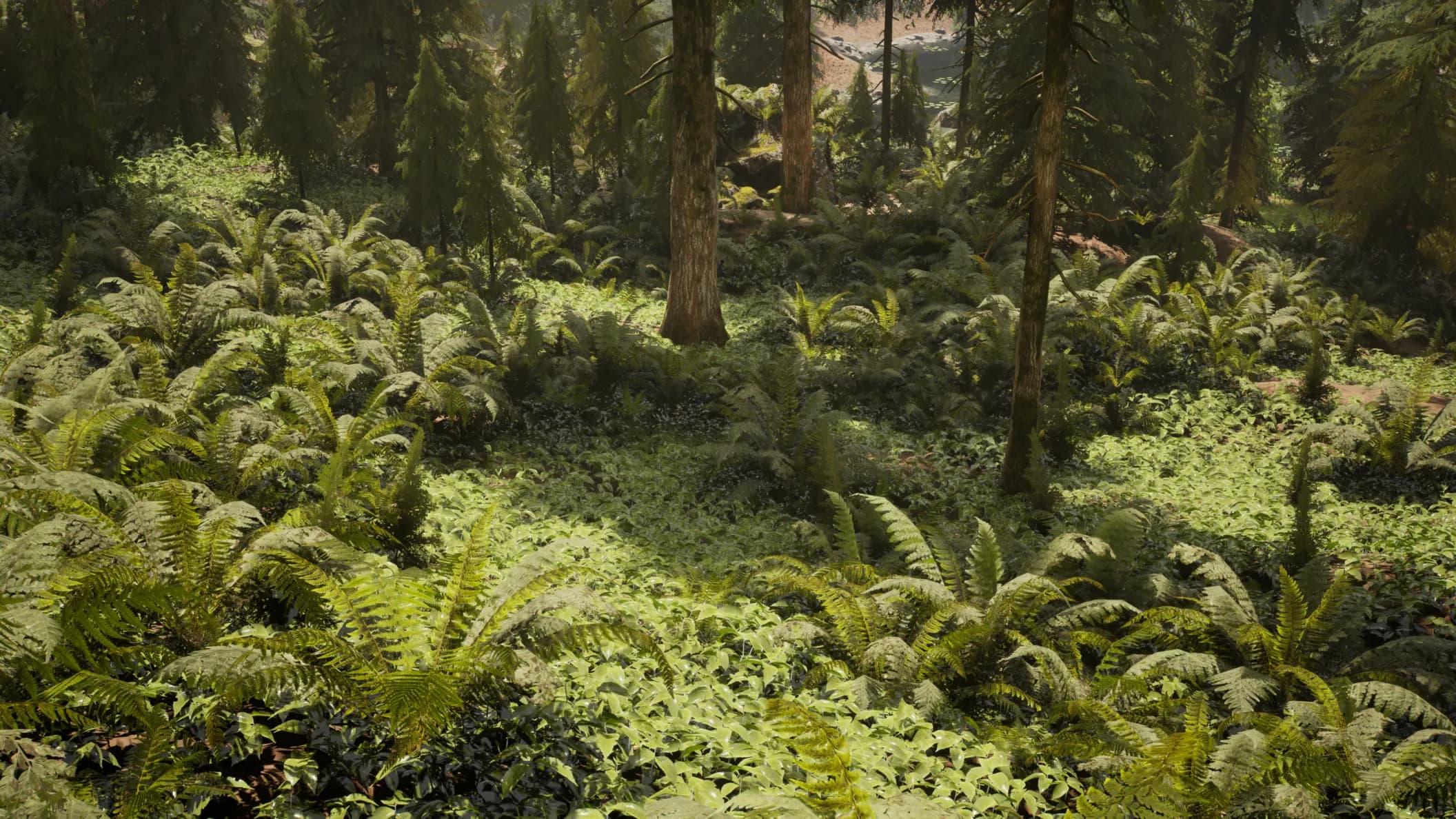
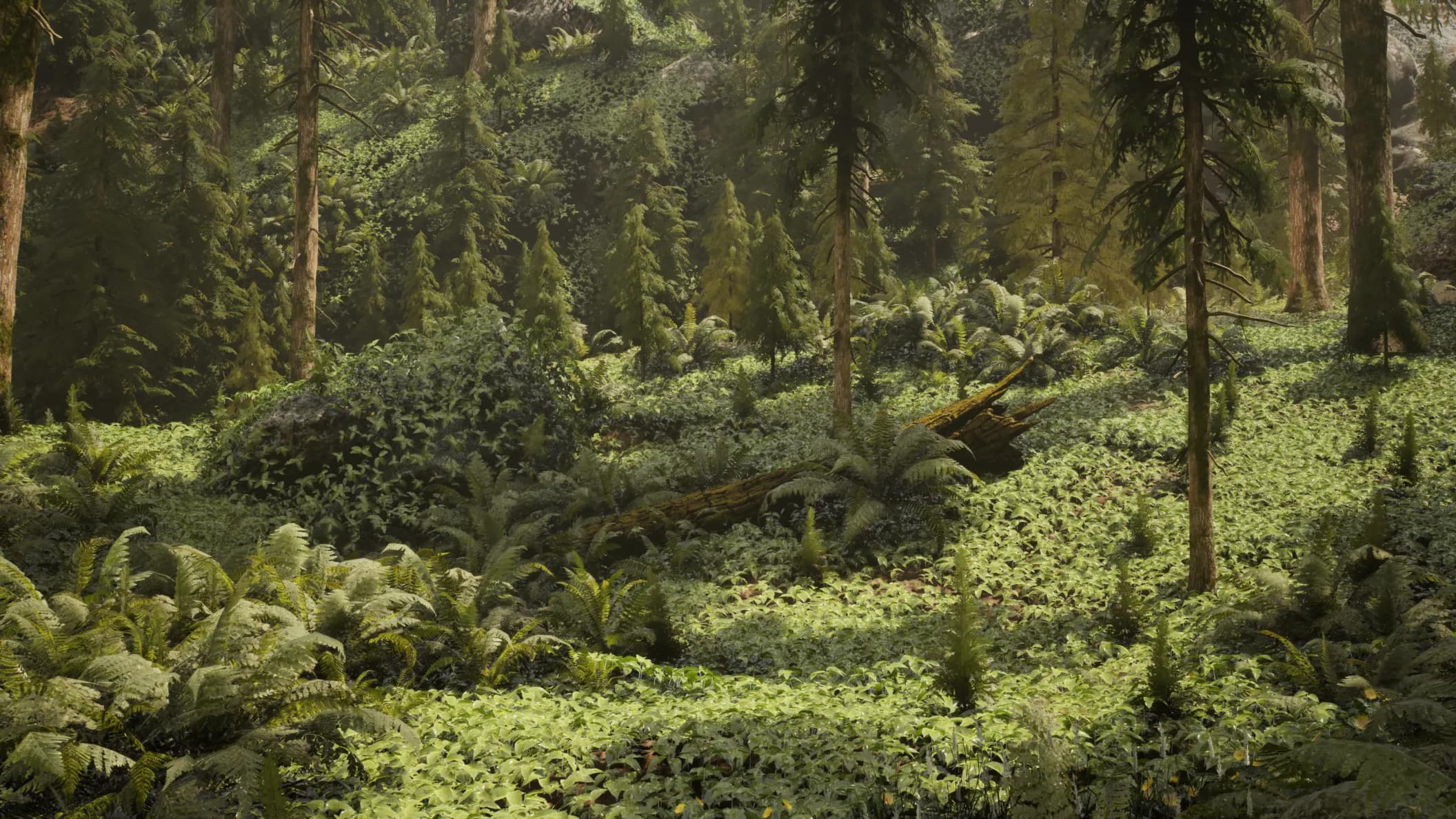
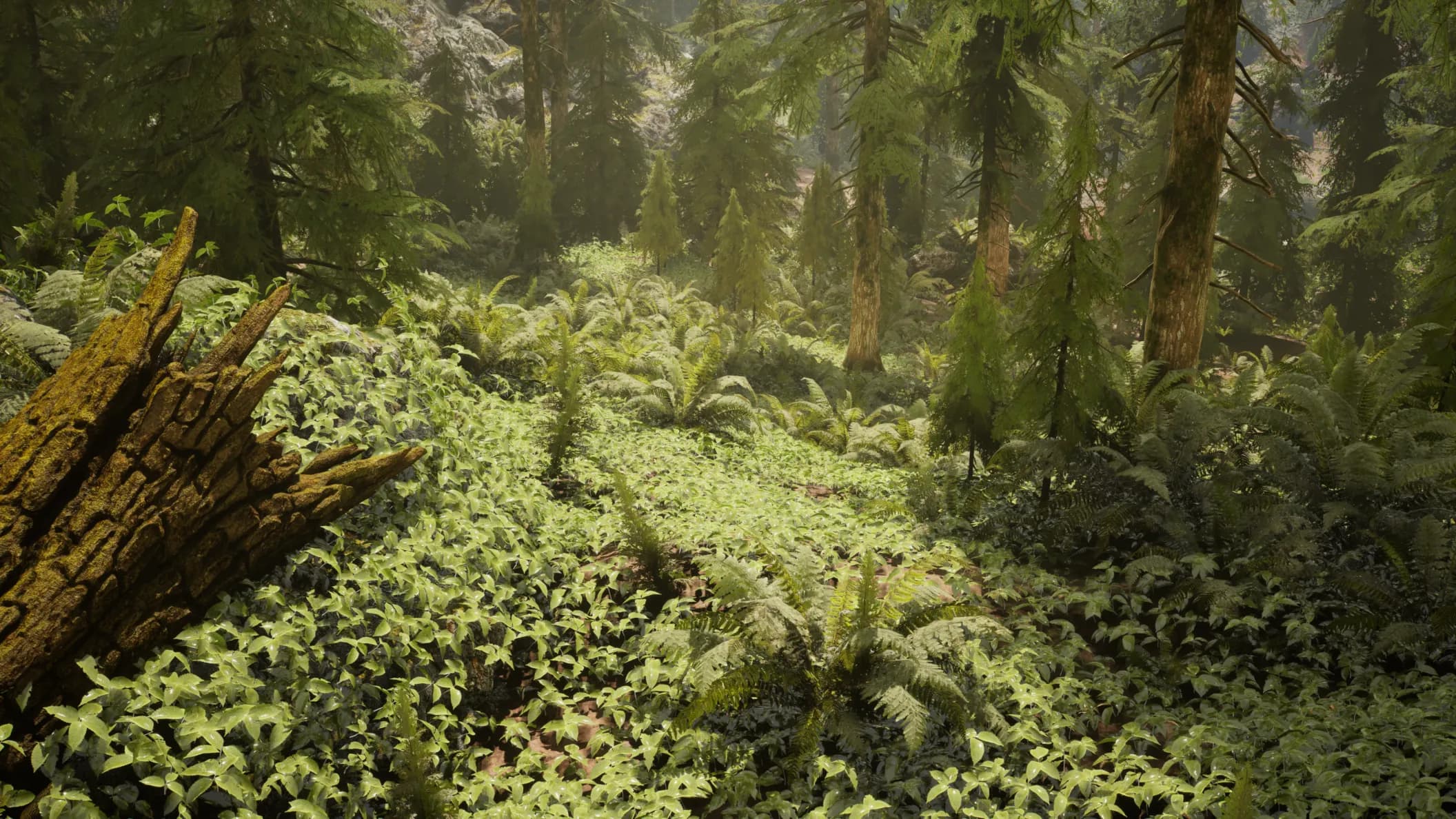
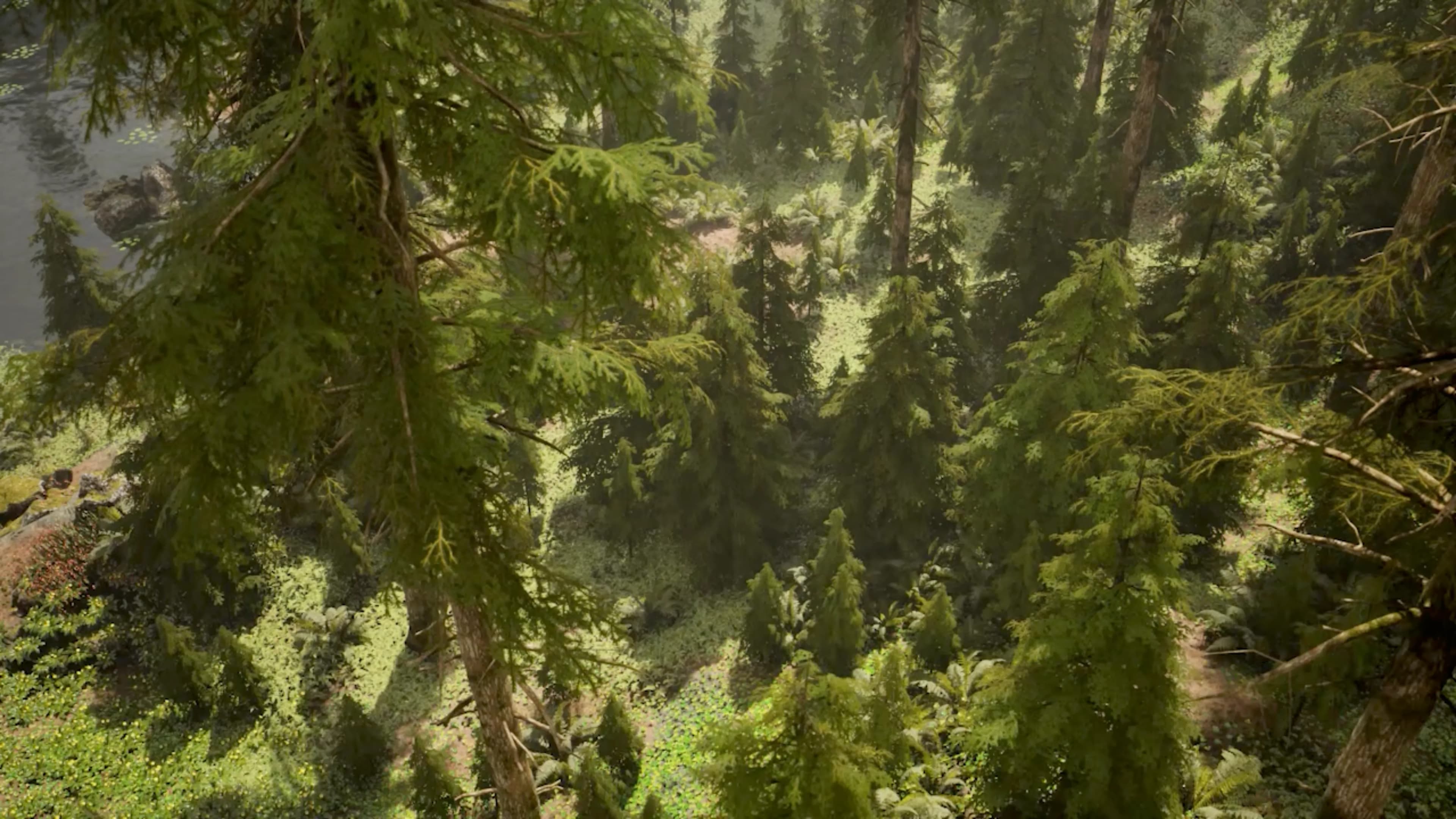
Prompt: Lakeside hemlock forest with dense fern undergrowth, boulders and mossy branches
Generated by Nwiro AI Pro
From a single text prompt to a fully placed PCG biome. Nwiro AI Pro selects meshes from your Content Browser and distributes them naturally across the terrain.
✓Advanced Biome Generation✓Content Browser Meshes✓Natural Distribution✓One-Click Place
THE ULTIMATE AI PLUGIN FOR UE5
Describe what you want. Nwiro-Agent writes the game logic, builds the environment, and fixes what's broken. Pick the model you trust: Claude, GPT, Gemini, DeepSeek, Kimi and more.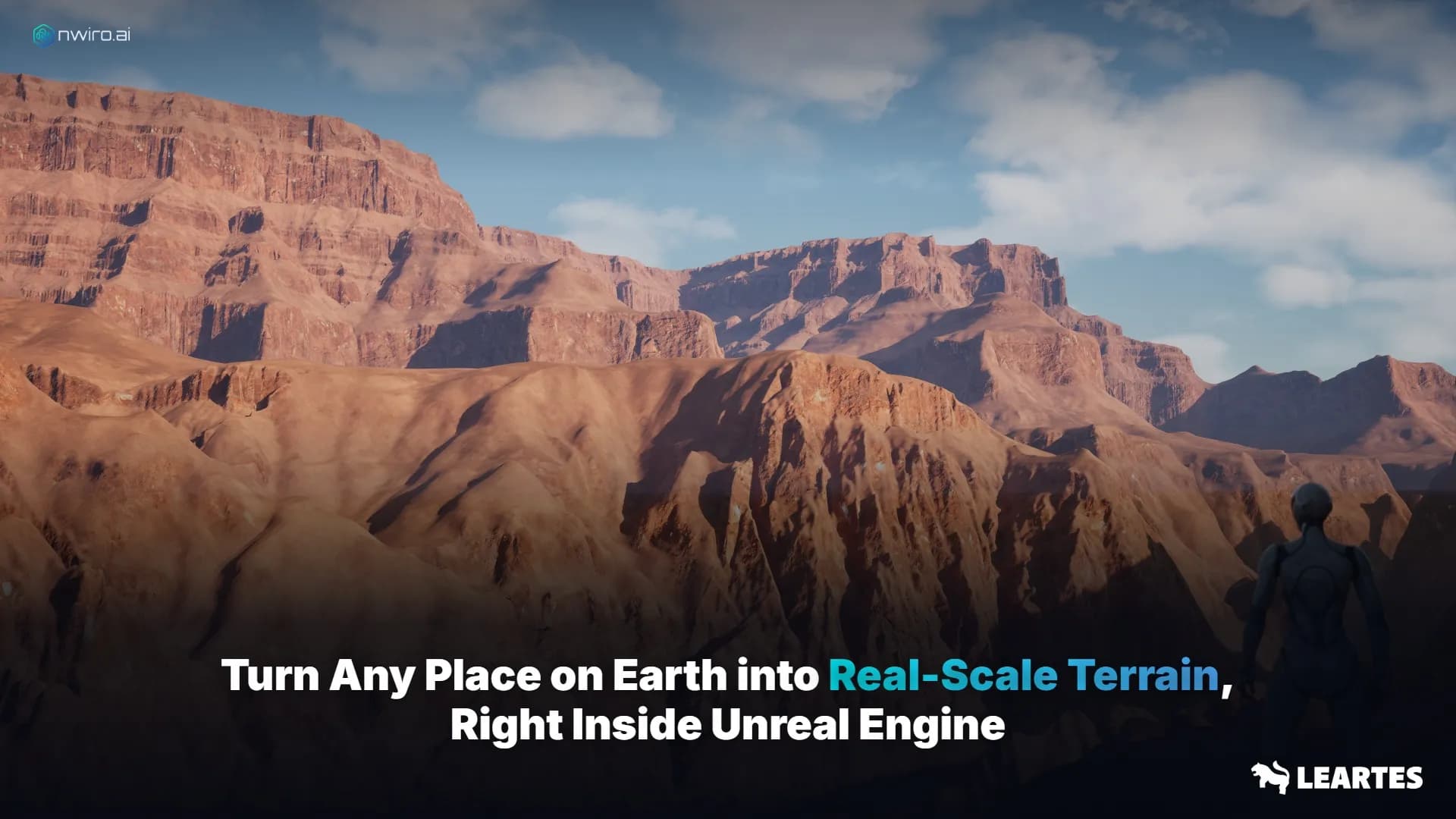
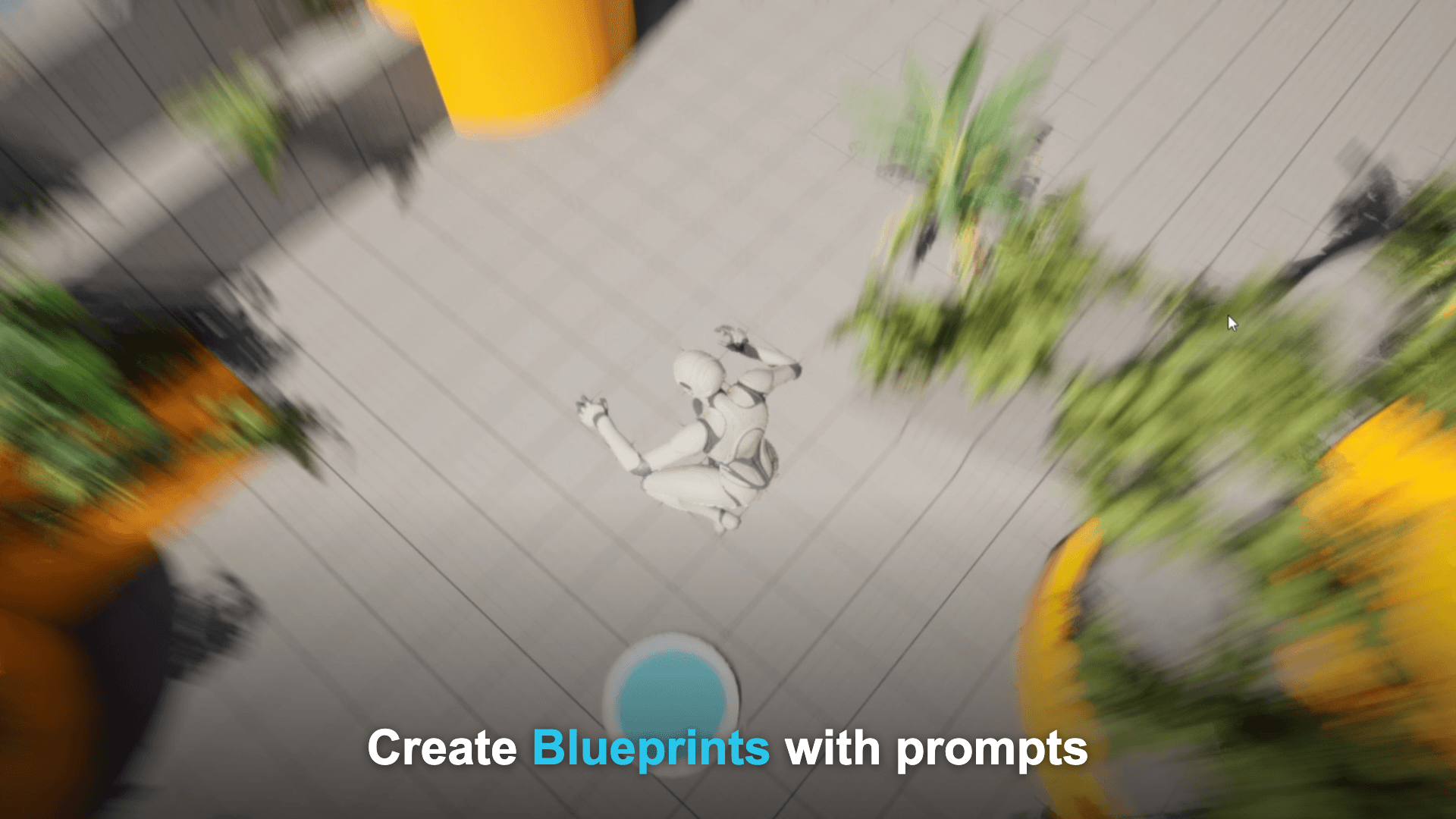
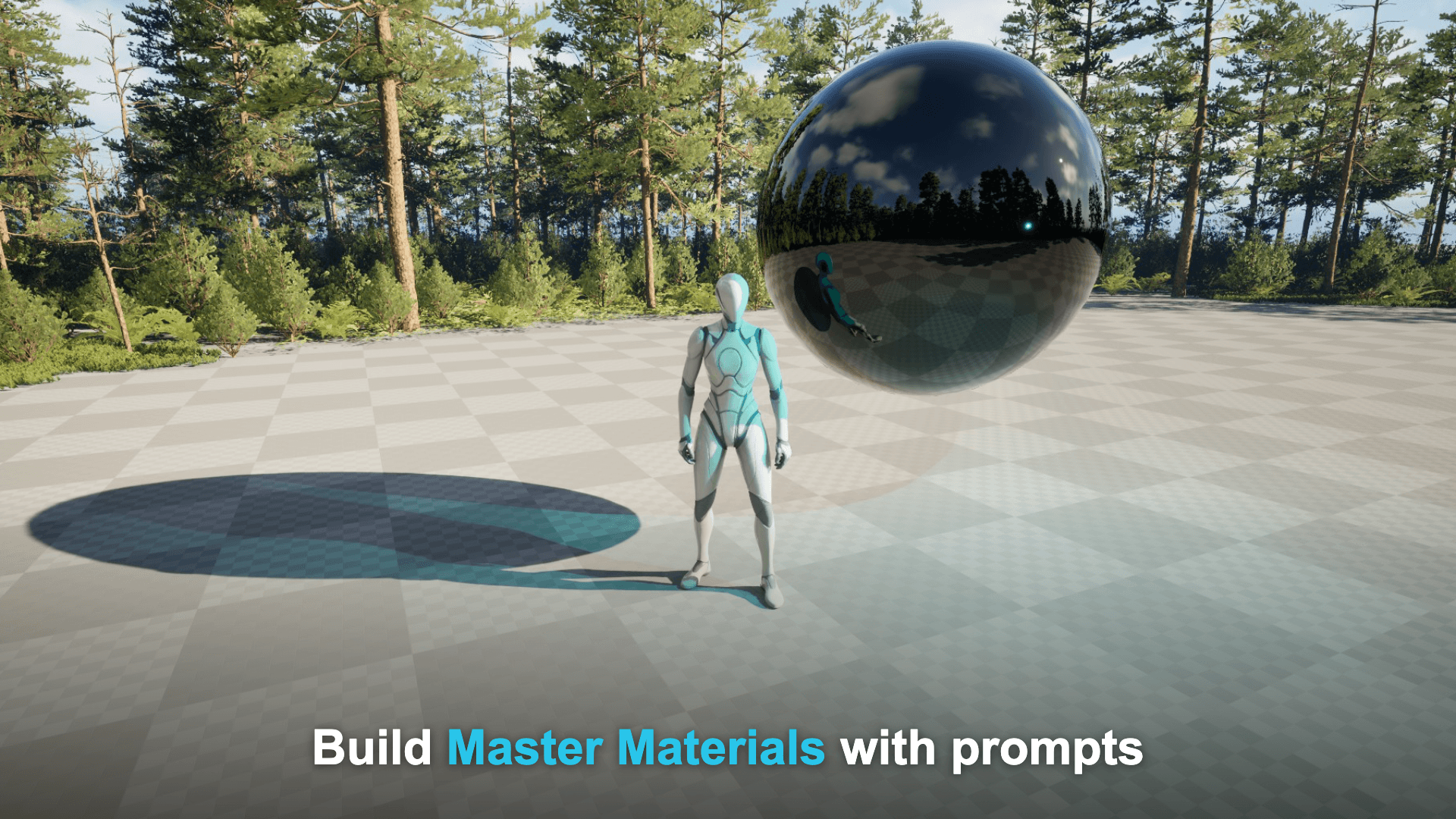
Beyond core assets: text-to-3D models, AI voices and sound effects, plus deep, extensible native Unreal integration, all powered by 10+ built-in AI models.
New
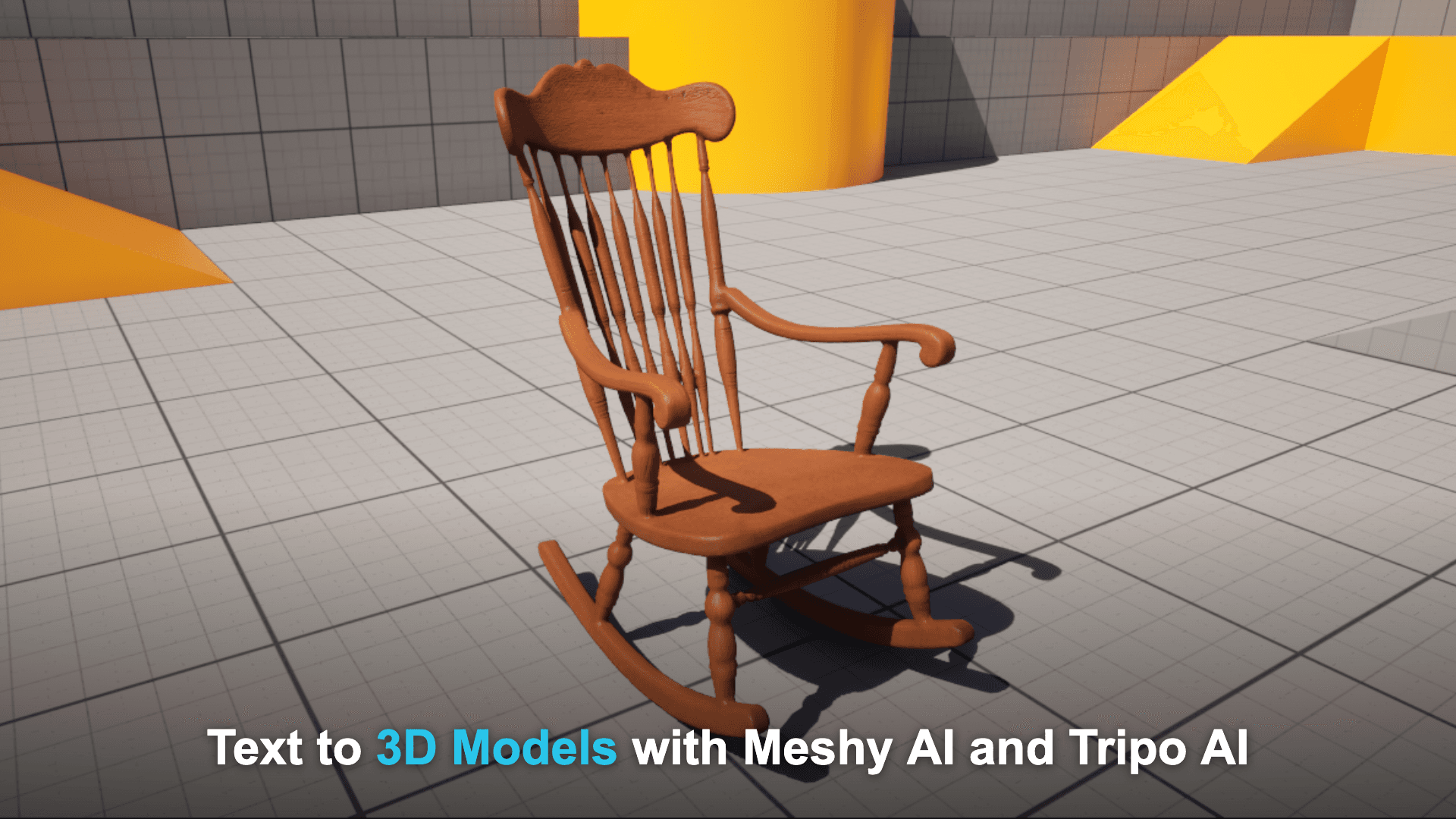
3D Model Generation
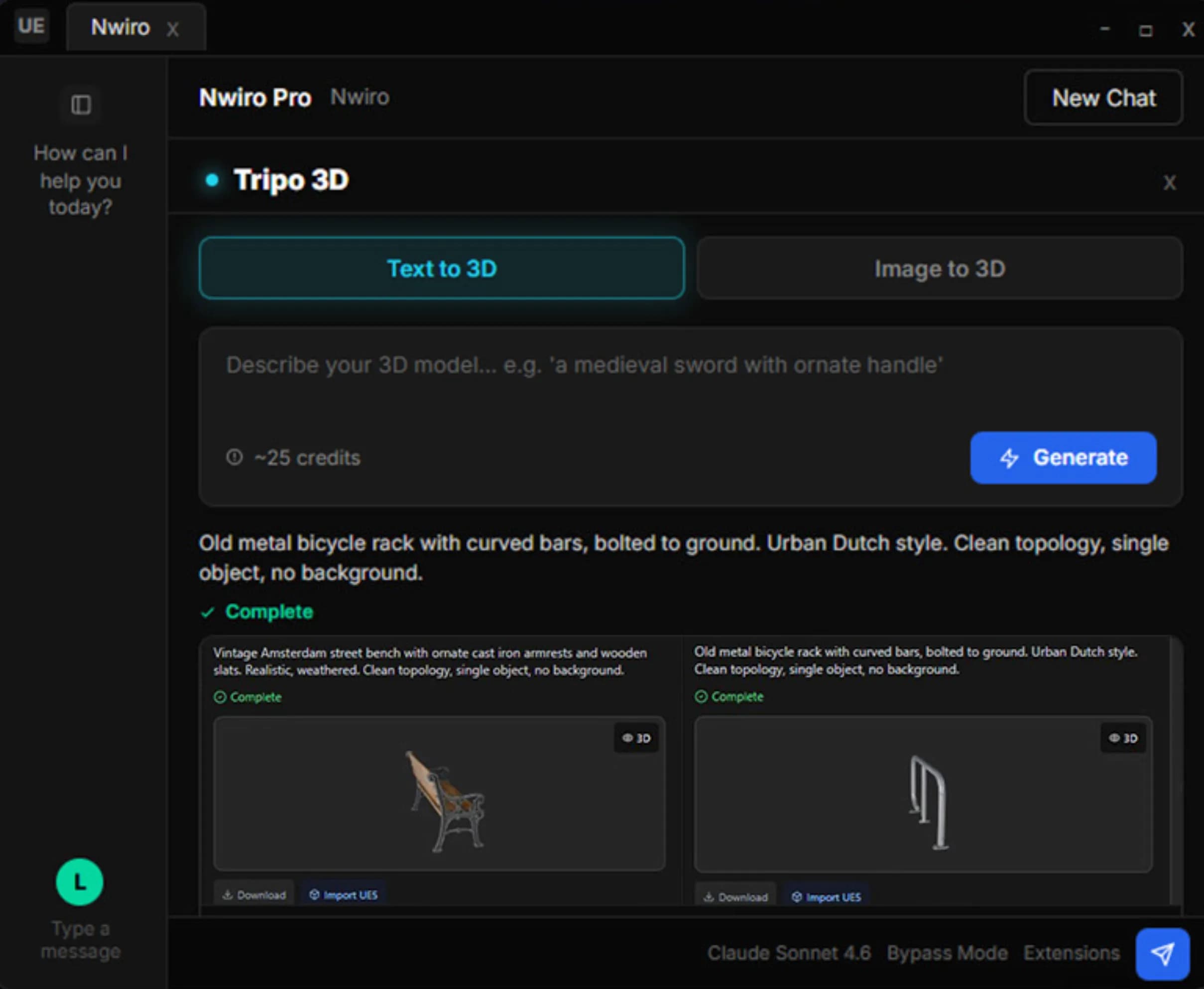
Turn text or a reference image into a game-ready 3D model with Meshy and Tripo, imported straight into UE5.New
Audio & SFX
Generate voices and sound effects from text right inside the editor with ElevenLabs.New
Custom Plugin Tools
Third-party Unreal plugins expose their own tools to Nwiro with a single UFUNCTION tag, appearing in chat automatically.Editor Commands
AI Agent
Tool Sources
Guided Onboarding
UE 5.8 MCP Imported
Widget Preview
Node PCG Tools
Debug & Fix
macOS Support
UE 5.5 → 5.8
11 Languages
Zero Dependency
Comes along with the models you already use












Generate 3D Models From Text with Meshy AI
Describe what you need and Meshy AI generates production-ready 3D assets directly inside your UE5 project.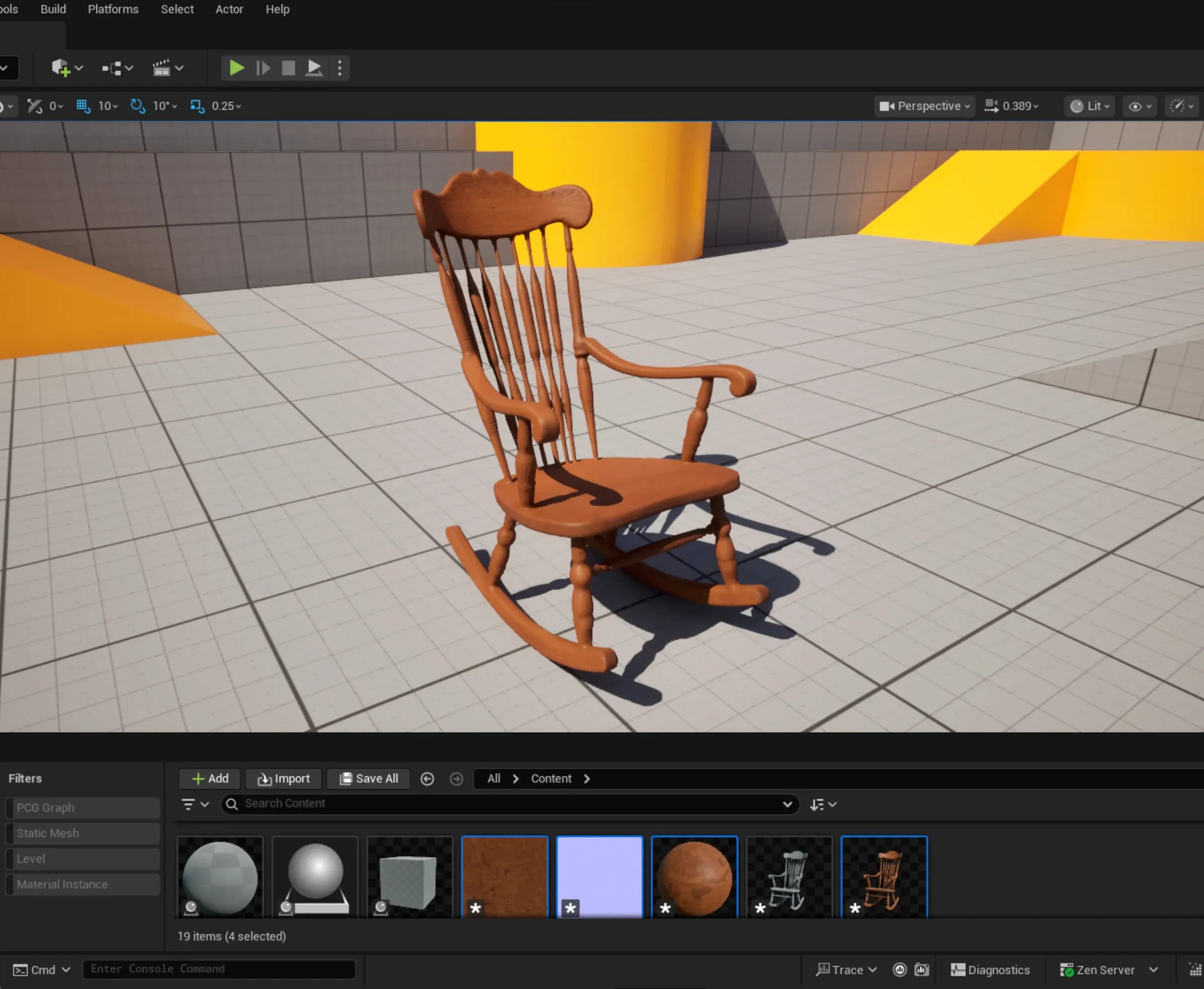
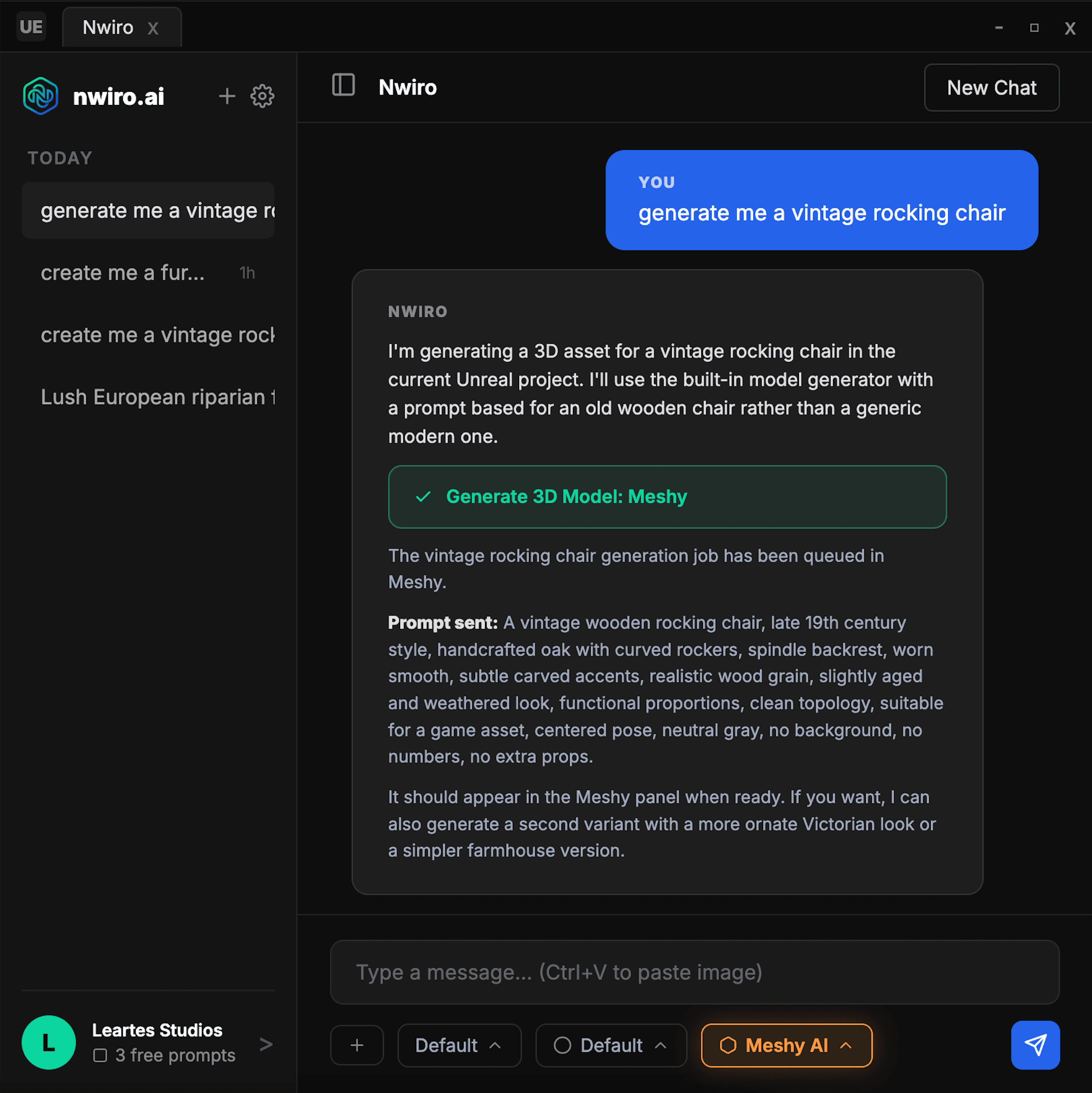
Generate 3D Models From Text or Image with Tripo AI
Start from a short text or an image, and Tripo AI creates 3d models you can use right away in your UE5 project.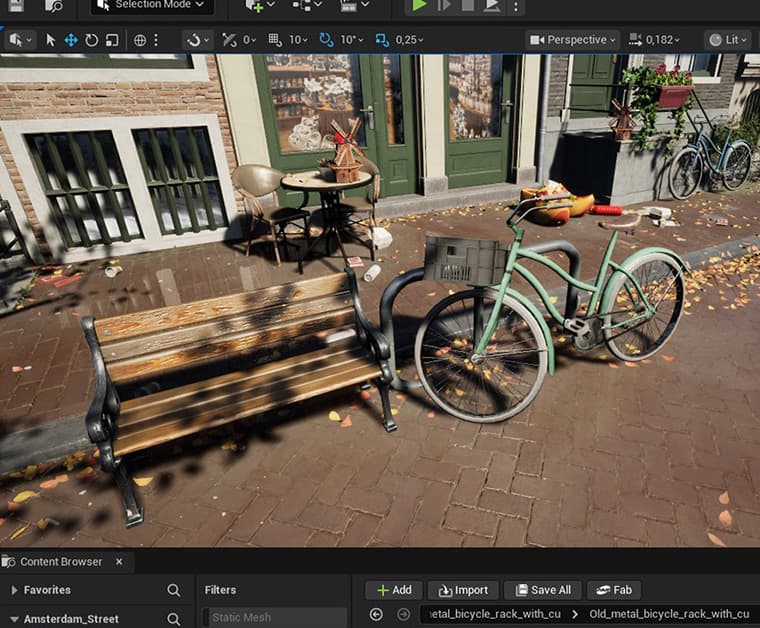
 Visit
Visit Use your own models inside UE5
Install them on your machine, sign in once, and get their full power inside UE5.

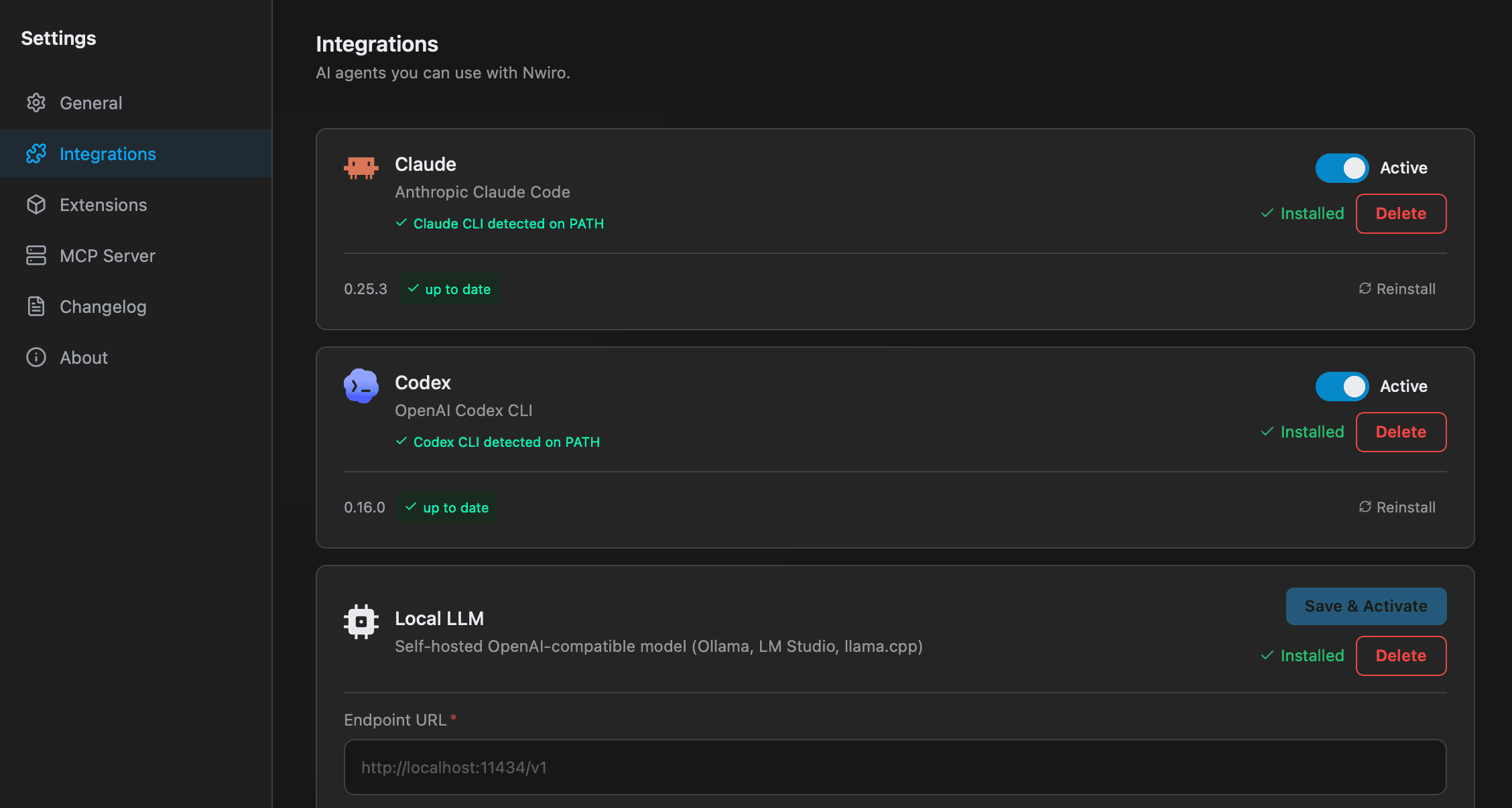
Locally Secure
No API Key Required
Zero-Config Setup
Full Claude & GPT Power