The Art of Crafting a Master Material
- Author
- Gokhan Kusatan
- Published
- Read Time
- ~ 4 min
- Categories
- Technical Art
The Art of Crafting a Master Material: A Behind-the-Scenes Look with Leartes
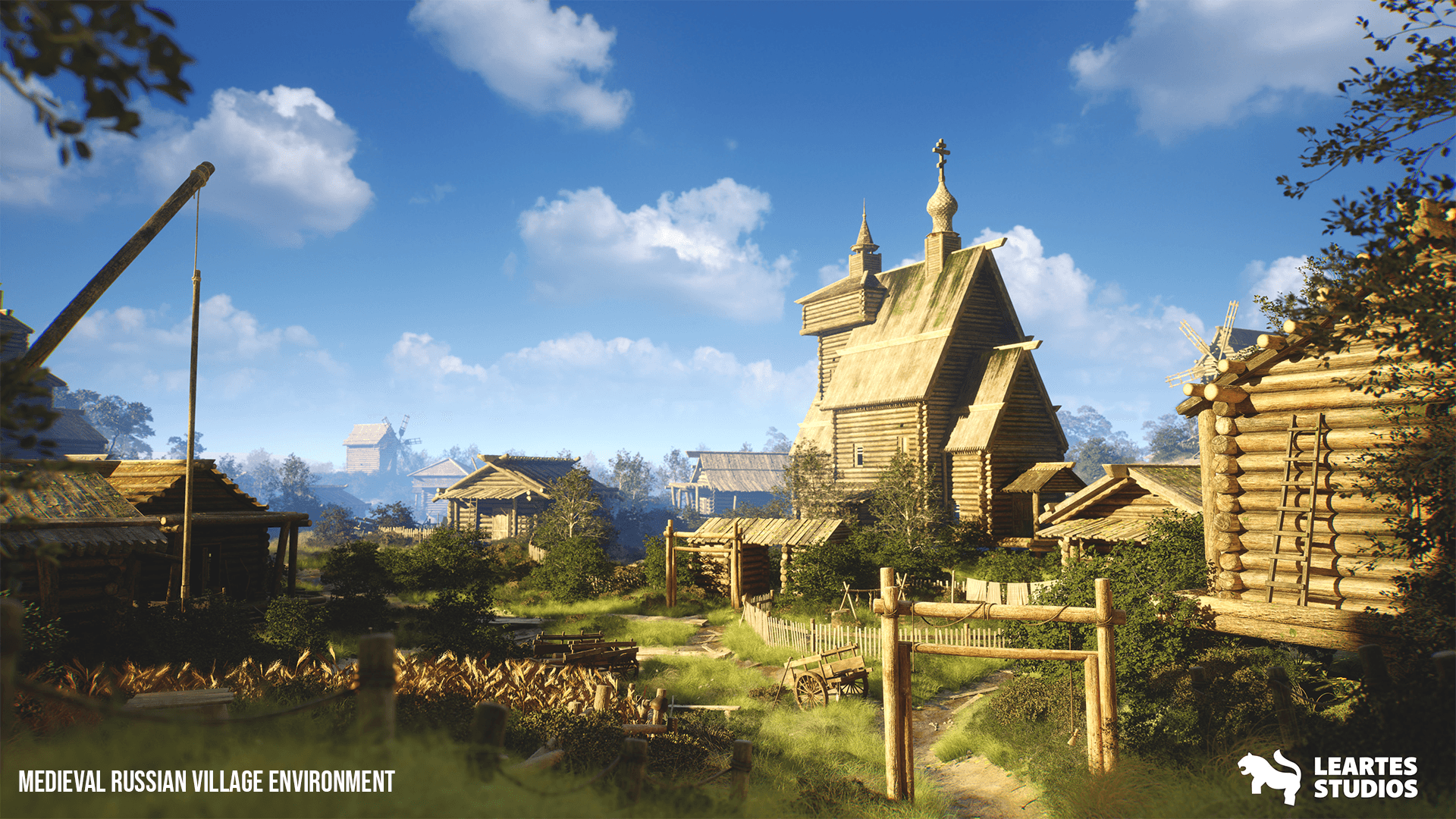
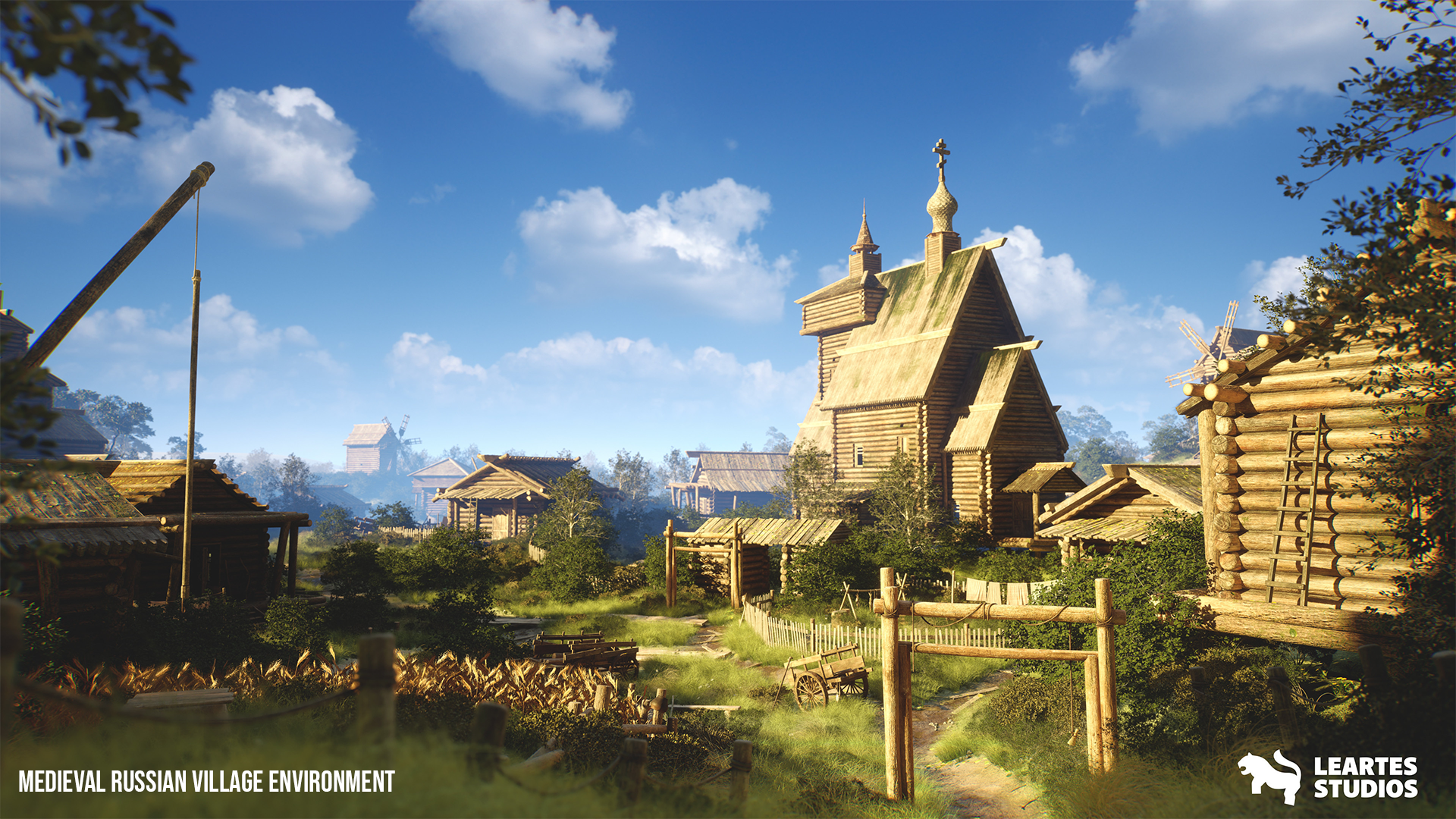
Building a master material for game environments is like sculpting the soul of a virtual world. It's where technical skill meets creative spark, weaving textures, lighting, and shaders into a cohesive visual story. At Leartes Studios, we've perfected this craft to deliver production-ready master materials that help game developers create breathtaking, immersive worlds. Join us as we walk you through our step-by-step process for creating a master material. We'll spotlight the Leartes Studios products that power our workflow and share visuals that bring the life journey. Step 1: Laying the Foundation with Concept and Planning Whether we're building a cyberpunk city's neon-soaked streets or a medieval village's weathered stone buildings, the process begins with defining the material's purpose in the environment. We work with our concept artists and environment designers to define the aesthetic look and technical requirements. In the future, a city may require clean, glossy surfaces and glowing emissive details, while a rural village will need rough, tactile materials such as weathered wood and cracked stone. What we do: - Define the environment's visual style and emotional tone - Map out technical requirements, ensuring compatibility with Unreal Engine or Unity. - Build a reference board packed with real-world textures, lighting ideas, and color schemes.Why Use a Master Material?
Master Material is a fundamental technique in game development that boosts efficiency and ensures visual consistency. It allows the creation of numerous material variations from a single centralized structure, eliminating repetitive setups, simplifying shader architecture, and improving scene performance. With complete control over core parameters like color, roughness, and reflectivity, it also streamlines collaboration between artists and technical teams. Especially in large-scale or multi-themed projects, it becomes indispensable. Explore the advanced texture library available on Cosmos by Leartes for production-ready, high-quality materials.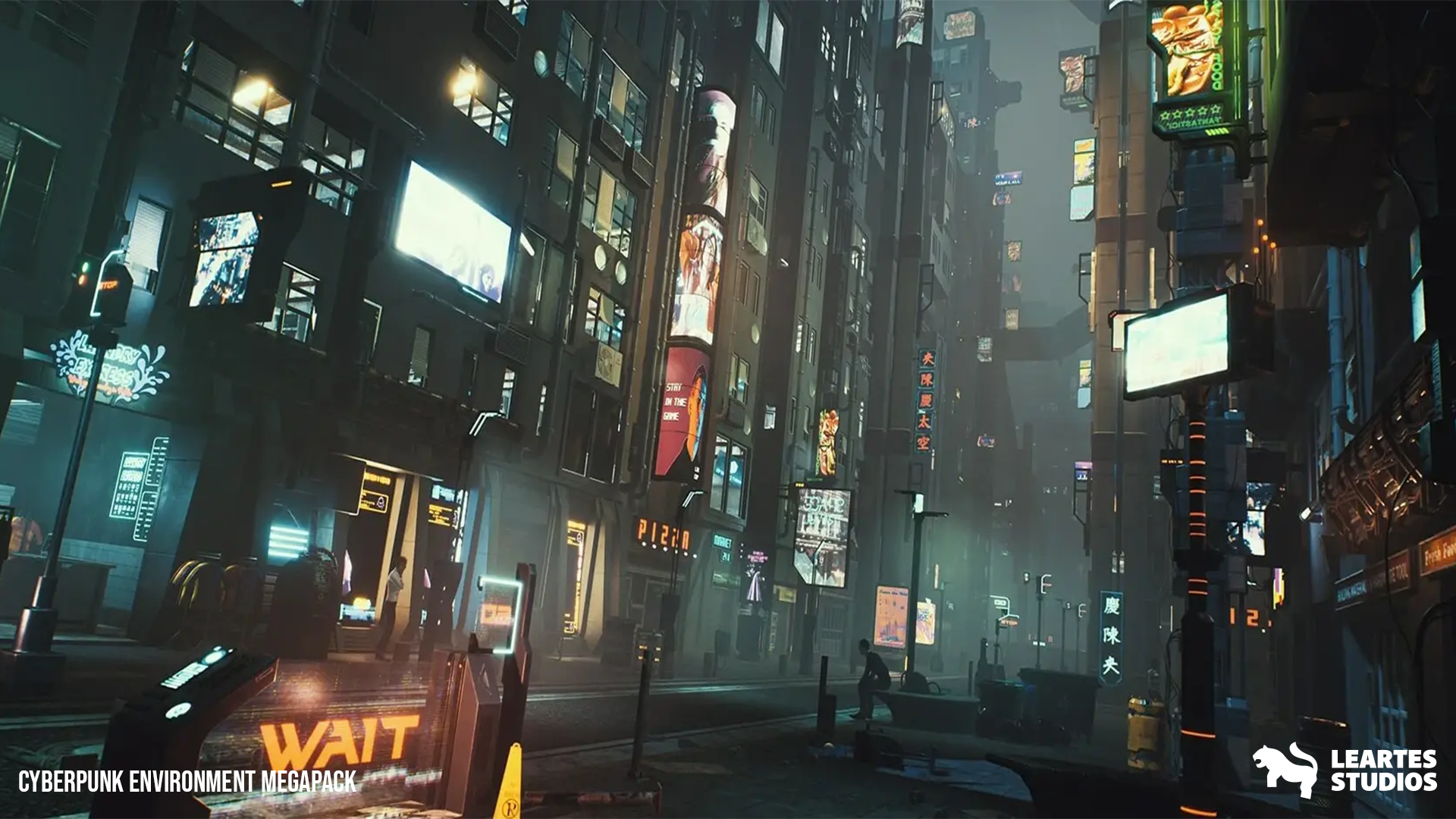
Step 2: Building the Base Material
With a clear plan in place, we dive into the technical core. Using Unreal Engine's Material Editor, we construct a versatile master material that adapts to multiple surfaces, such as shiny metal, rough wood, or sleek glass. Adjustable parameters make it flexible yet robust. What we do: - Create modular nodes for scalability - Apply PBR principles for realistic lighting - Test flexibility with placeholder texturesStep 3: Bringing Textures to Life
Textures bring depth to the material. We source high-quality textures from our packs or create custom ones using Substance Painter. Albedo, normal, roughness, and metallic maps are connected to enable real-time look adjustments. What we do: - Import and link textures - Create instances for look variations - Optimize resolution for performance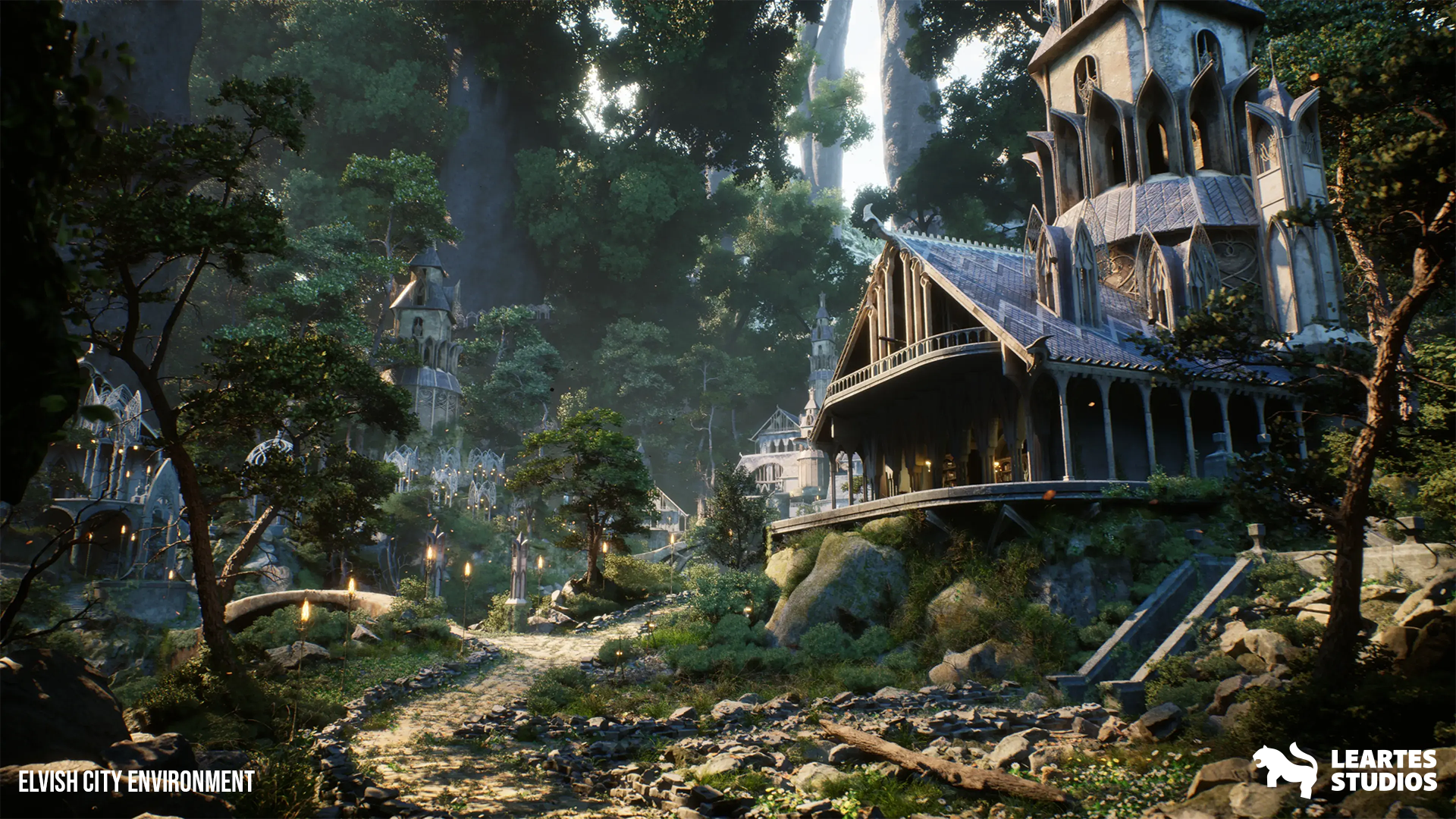
Step 4: Testing in Real-World Lighting
We apply the material in test scenes under various lighting conditions to evaluate performance and consistency. From baked to dynamic lighting, we refine visuals to suit any platform. What we do: - Apply to the modular environment assets - Test lighting scenarios - Ensure cross-platform consistencyStep 5: Streamlining with Optimization and Automation
Performance matters. We optimize shader complexity, disable unnecessary features, and compress textures. Our Material Assignment Tool automates the process across large scenes and speeds up production. What we do: - Optimize performance - Create lightweight material instances - Automate large-scale material assignmentsStep 6: Polishing and Packaging for Delivery
We polish material instances, gather feedback, and finalize everything for release. Documentation and tutorials ensure easy integration for developers. What we do: - Final polish and feedback loops - Write tutorials and documentation - Package for marketplace deliveryUse Cosmos by Leartes for your projects
Take your material workflow to the next level with Cosmos, a carefully curated library of high-quality, production-ready materials built for Unreal Engine and Unity. Whether you're designing stylized scenes or crafting realistic environments, every texture in Cosmos is optimized for real-time performance and integrates seamlessly into your pipeline.
The Material Assignment Tool streamlines the process of applying materials across large scenes, making your workflow faster and more efficient by reducing repetitive tasks during production.
The Rocket Plugin enables you to import and organize assets effortlessly even in the most complex projects. It's especially powerful for large-scale world building, helping simplify the entire process and making your pipeline more scalable from start to finish.