How to Use AI in Unreal Engine 5 with Nwiro
- Author
- KUSATAN
- Published
- Read Time
- ~ 5 min
- Categories
- Technical Art
How to Use AI in Unreal Engine 5 with Nwiro MCP
Artificial intelligence in Unreal Engine 5 is no longer limited to NPC behavior or navigation systems. Today, AI can support the full development workflow: from world generation and Blueprint creation to material editing, debugging, animation, and project management.
Nwiro brings this capability directly into the Unreal Engine editor. Through MCP connectivity, developers can use natural-language prompts to work with editor tools, create content faster, and streamline repetitive technical tasks.
What Is Nwiro?
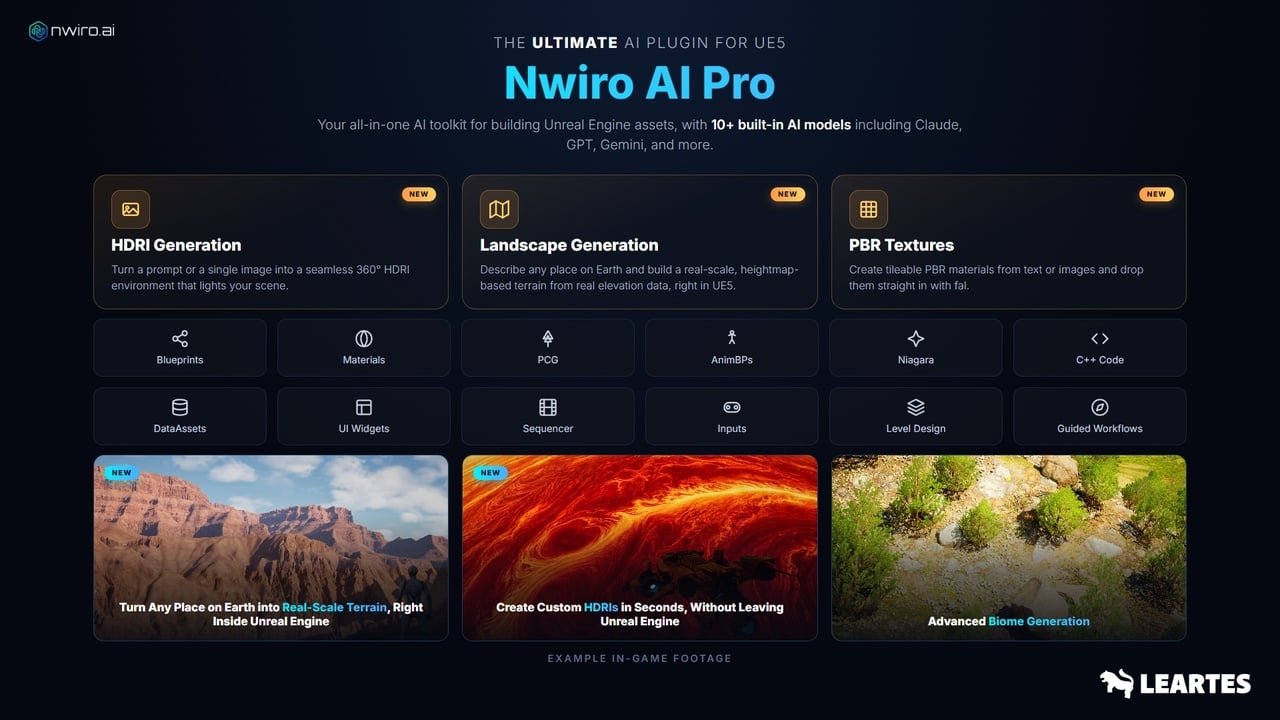
Nwiro is an AI-powered Unreal Engine 5 editor plugin and MCP integration solution. It allows AI clients to connect to Unreal Engine tools and assist with tasks such as world building, code generation, Blueprint editing, asset management, and runtime control.
Nwiro includes 209 native C++ editor tools. Its workflow does not require a Python bridge or a separate external server, helping developers work directly inside Unreal Engine with a broad set of editor capabilities.
Nwiro Integration Kit vs Nwiro AI Pro
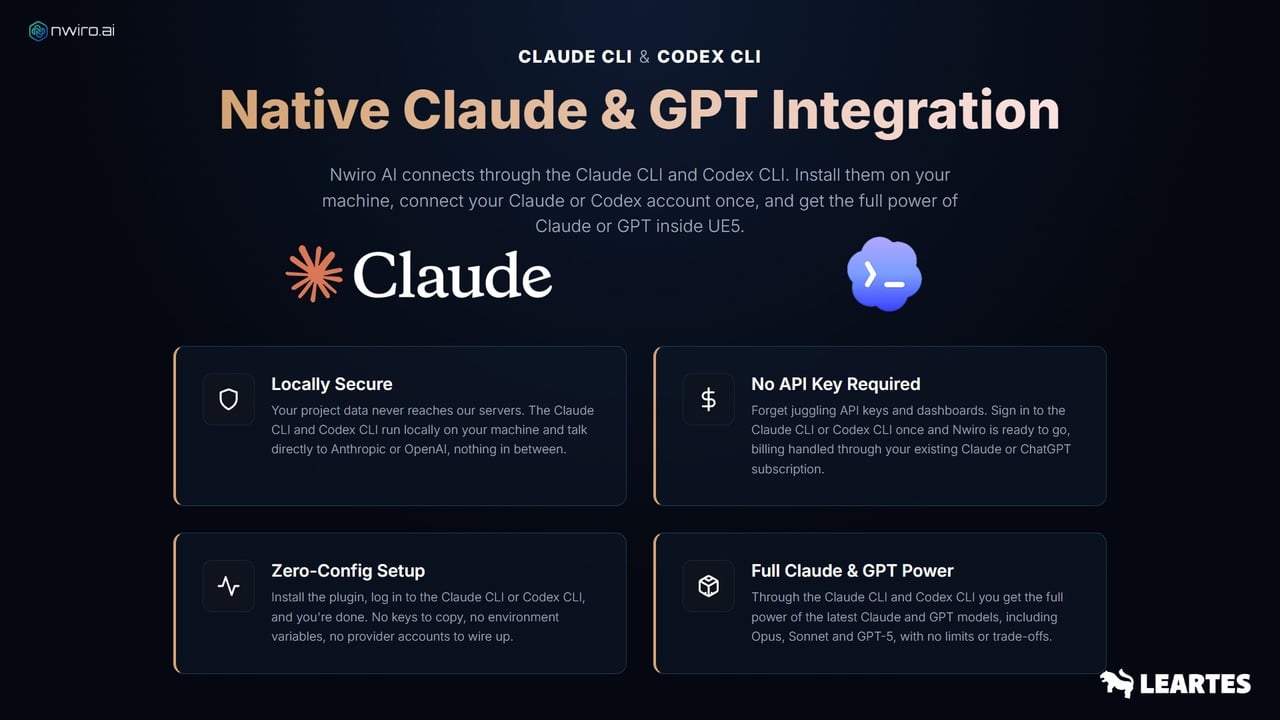
Nwiro Integration Kit is designed for developers and small teams that want to connect their own AI provider to Unreal Engine. It is offered as a perpetual-license option, allowing users to continue using their existing Claude or GPT subscription without additional AI usage costs from Nwiro.
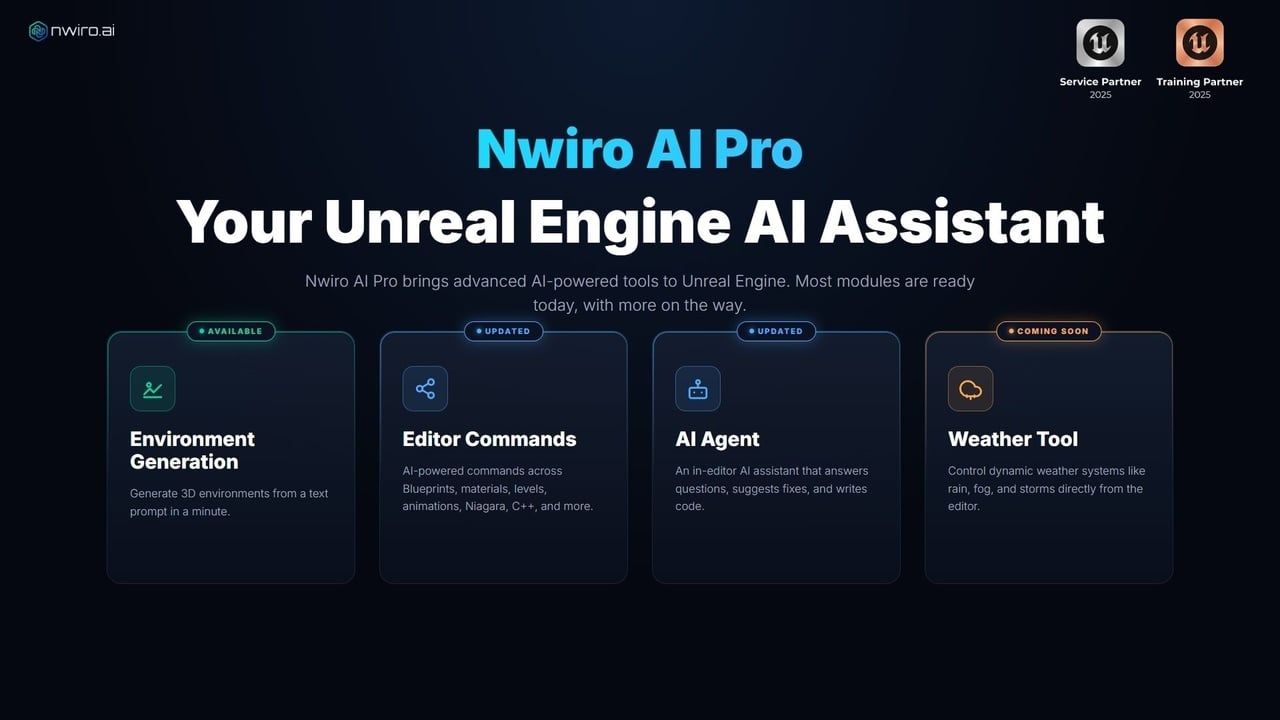
Nwiro AI Pro is aimed at power users and studios that need advanced PCG pipelines, expert workflows, more AI models, and direct support. It is available through subscription or credit-based options.
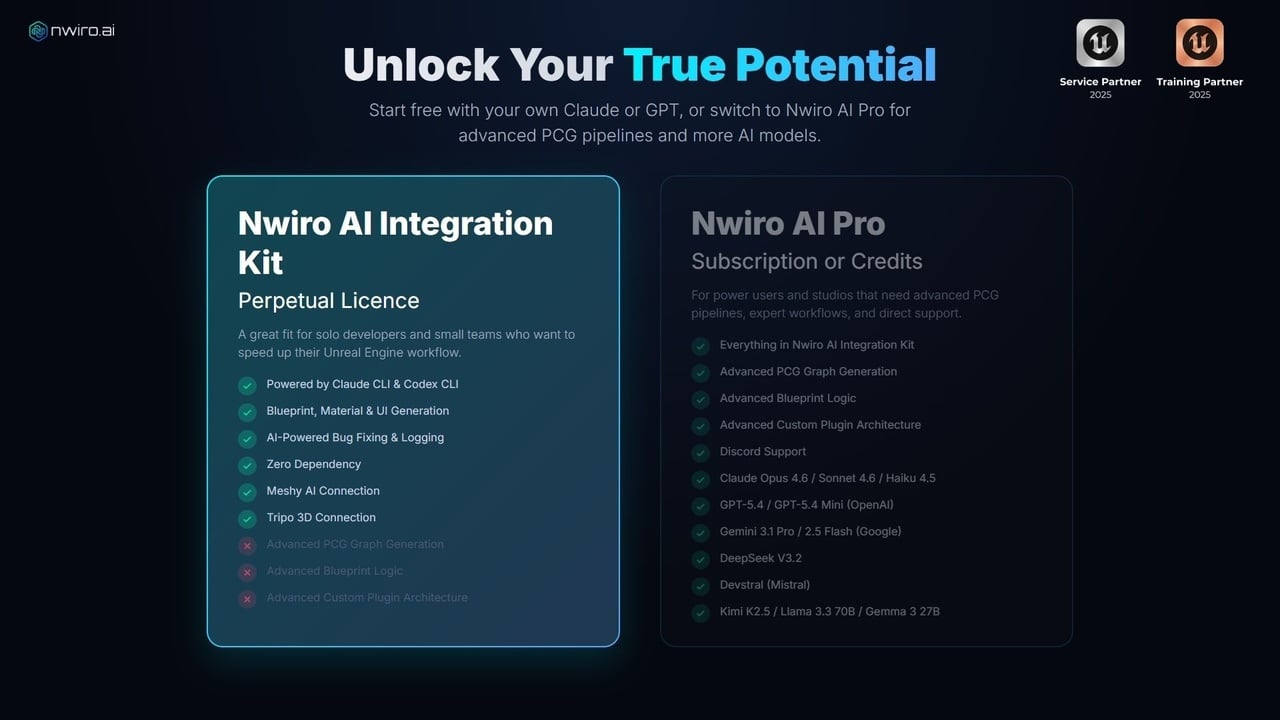
Nwiro Pro Features;
AI-Powered World and Biome Generation
One of the key Nwiro AI Pro capabilities is AI-powered biome generation. Developers can describe an environment in natural language and use the result to create a procedural 3D scene inside Unreal Engine.
The system can place trees, rocks, foliage, and terrain elements while considering spatial relationships within the environment. This makes Nwiro useful for open-world scenes, natural environments, level prototypes, and fast environment ideation.
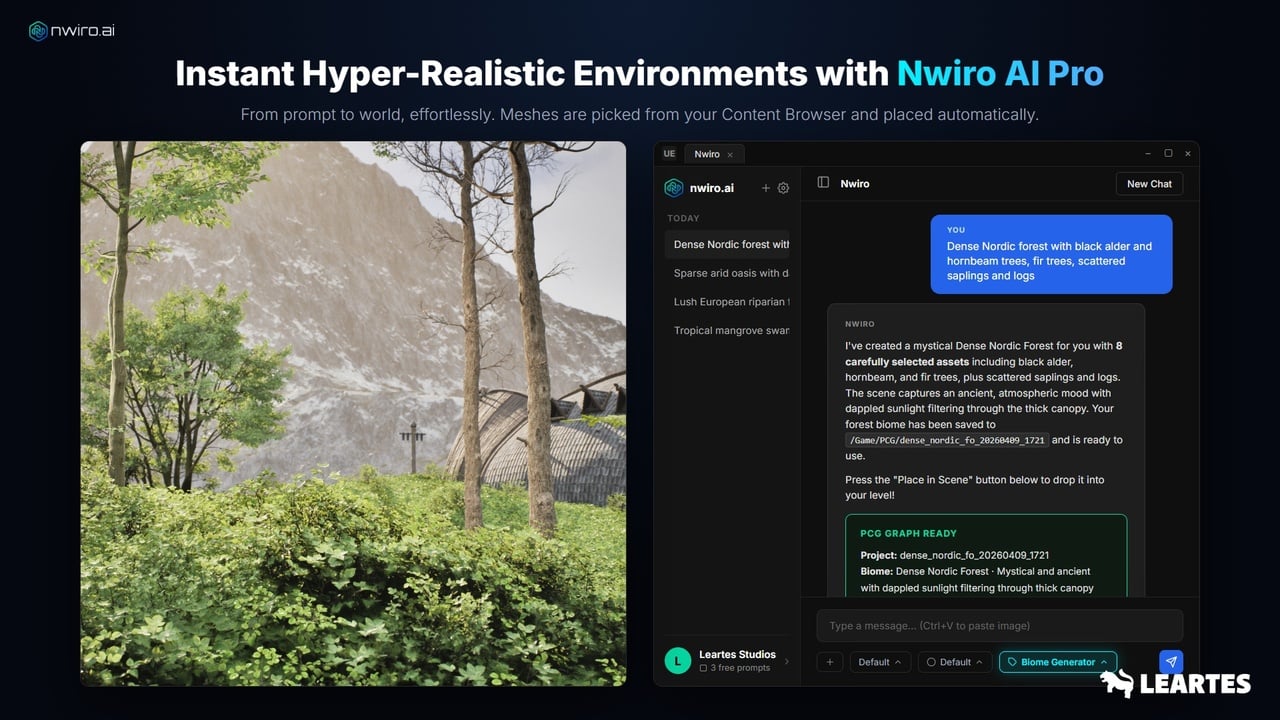
Nwiro AI Pro also includes advanced biome-generation controls. These include vertical layering for canopy and ground-cover placement, dynamic density control, multi-layer environment strategies, automatic collision avoidance, and iterative world building through chat-based refinement.
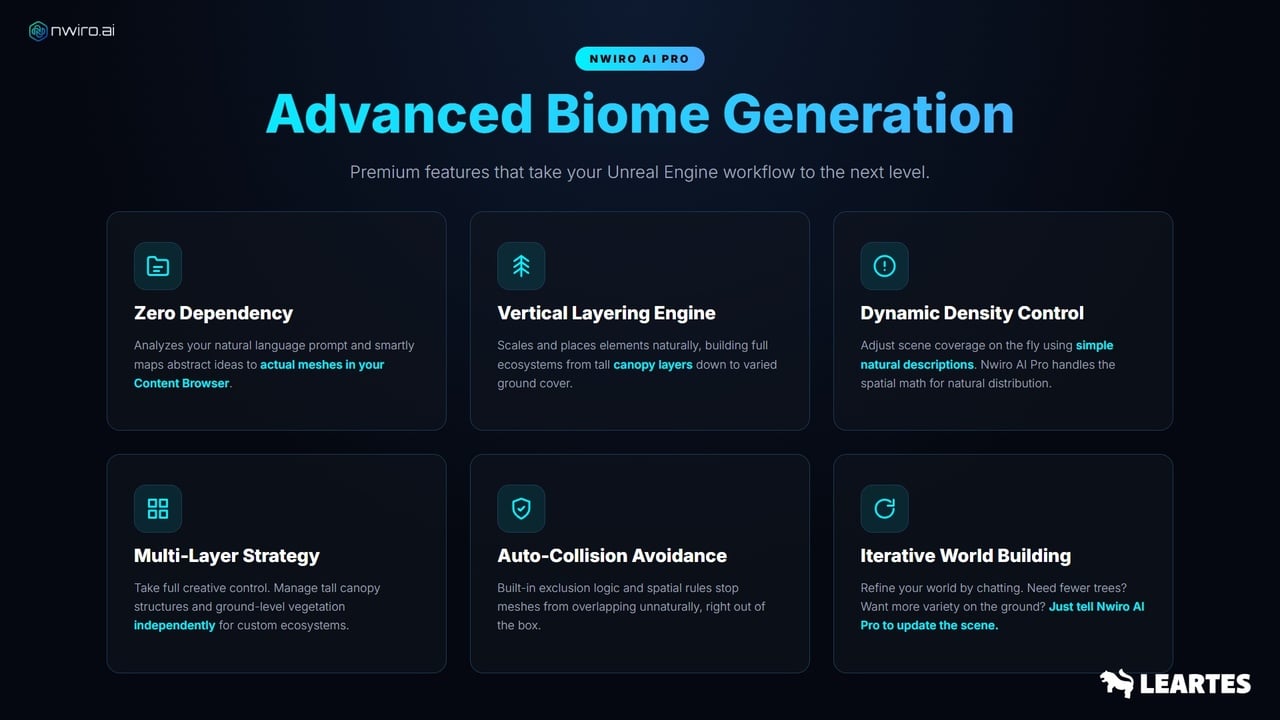
Instead of rebuilding a scene from scratch, developers can refine it through conversation. They can request fewer trees, more ground variation, denser foliage, or a different overall distribution and update the environment iteratively.
Creating Real-Scale Landscapes in Unreal Engine
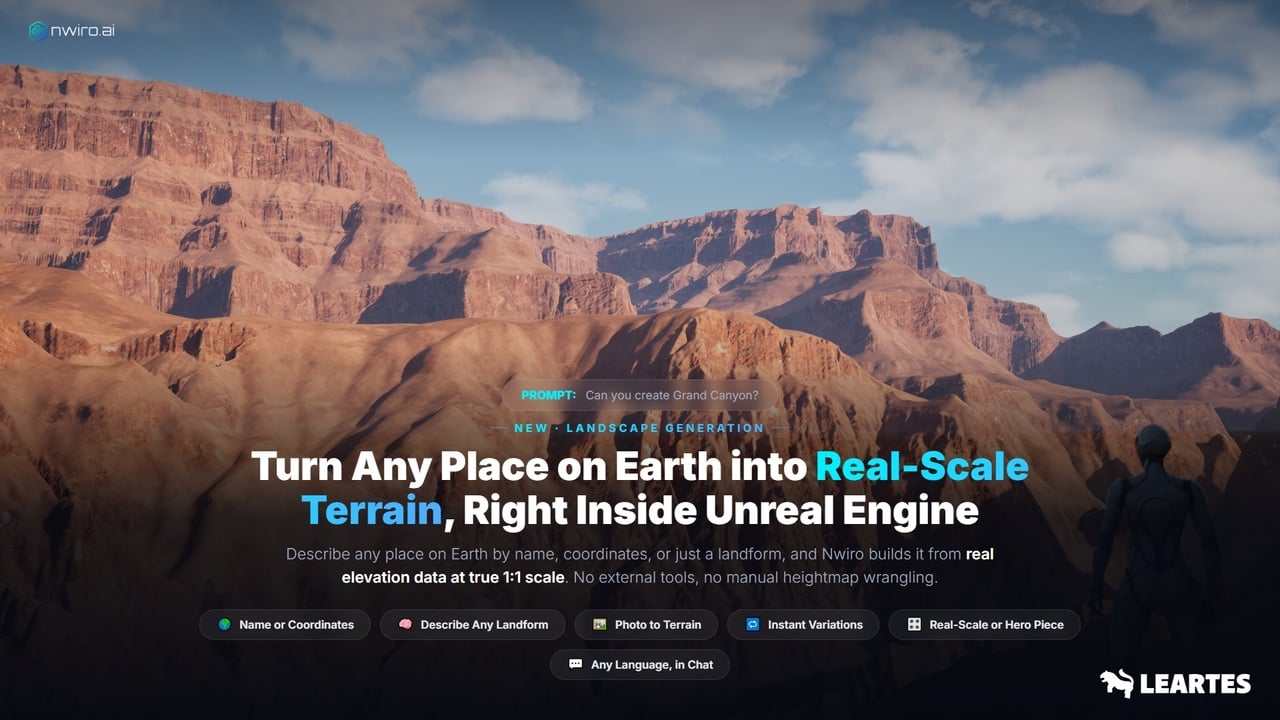
Nwiro AI Pro can also be used to create real-scale terrain inside Unreal Engine. A developer can describe a location by name, coordinates, a landform, or even provide a reference image to begin the landscape-generation workflow.
The feature uses real elevation data to create terrain at a true 1:1 scale, reducing the need for manual heightmap preparation. This is particularly useful for large environments, open-world prototypes, and terrain-focused projects.
Building and Debugging Blueprints with AI
Blueprints are a central part of many Unreal Engine projects. Nwiro supports the Blueprint lifecycle by enabling Blueprint creation, editing, and compilation through its editor tools.
Its Blueprint tools support more than 30 node types, while the Blueprint Debugger can help developers set breakpoints, watch pin values, identify unconnected pins, analyze compilation errors, and fix broken references.
HDRI Generation for Unreal Engine 5
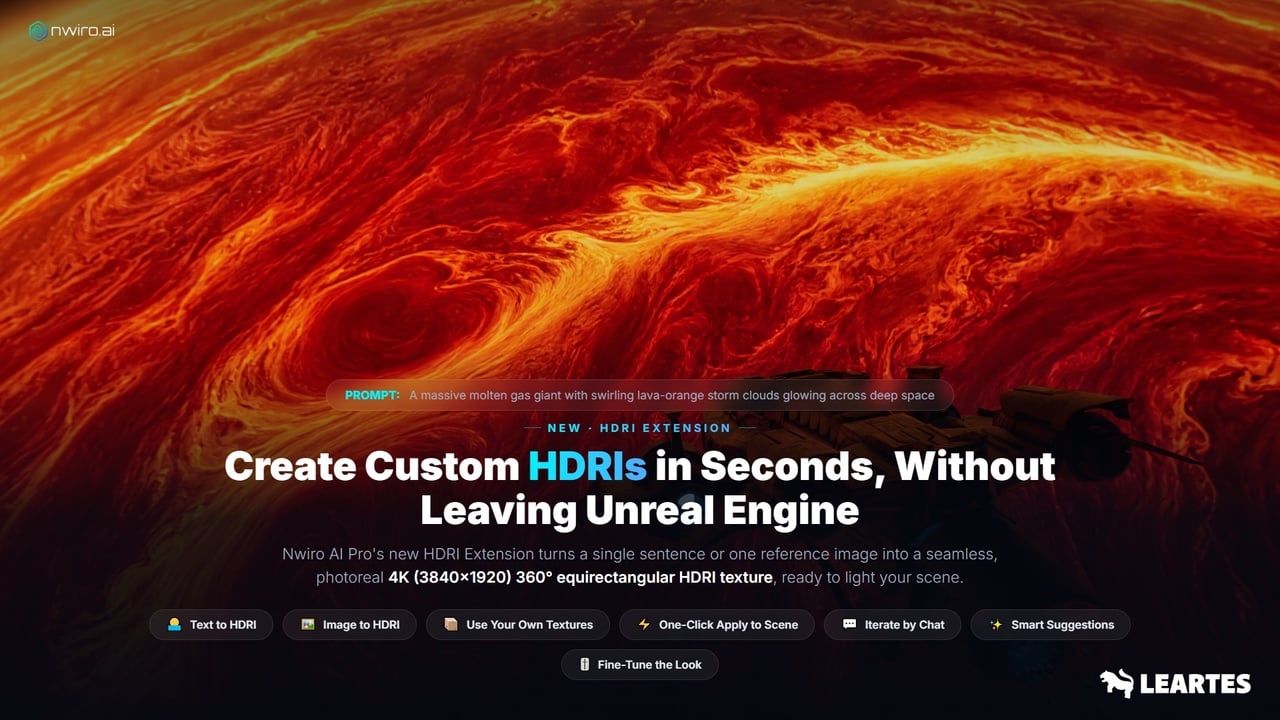
Nwiro AI Pro can generate seamless 360-degree HDRI environments from a text prompt or a single reference image. These HDRIs can be used to create immersive lighting and background environments directly for Unreal Engine scenes.
Instead of searching through large HDRI libraries, developers can describe the atmosphere they need, such as a sunset desert, cloudy mountain valley, neon-lit city, or studio environment. This helps teams create lighting references and scene mood faster during look development.
3D Asset Generation from Text or Images
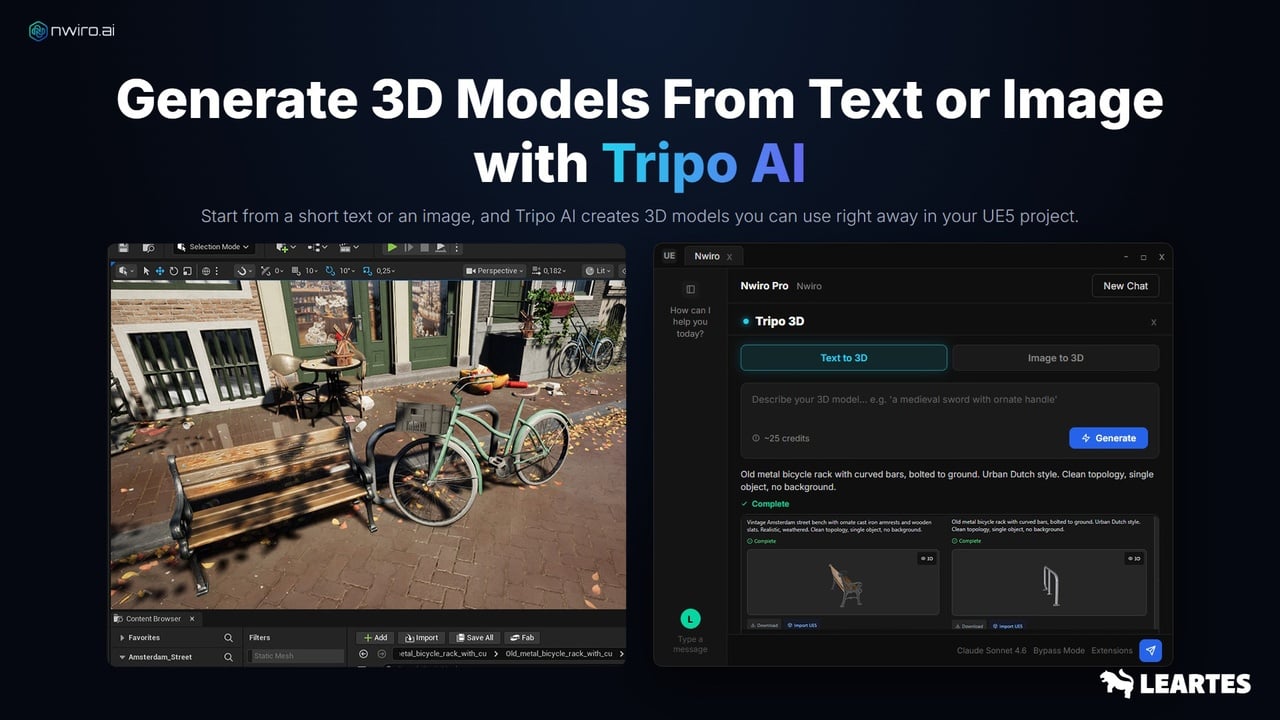
Nwiro AI Pro can generate game-ready 3D assets from a text prompt or a reference image. Developers can describe an object, generate a model, and import it directly into their Unreal Engine 5 project.
This helps speed up prototyping and asset ideation without interrupting the editor workflow. Whether creating props, environment assets, or early gameplay prototypes, Nwiro makes it easier to turn an idea into a usable 3D model inside UE5.
Why Nwiro Stands Out from Other AI Tools
1 - Broad Unreal Engine feature set, covering world building, 3D asset generation, Blueprints, materials, C++ code, debugging, and runtime control.
2 - Flexible and accessible pricing designed to reduce unnecessary tool costs.
3 - Features built through extensive R&D around real Unreal Engine production workflows.
4 - A dedicated team of more than 10 developers behind the product.
5 - Enterprise-level expertise, ongoing development, and continuous product improvements.
6 - A unified AI workflow that helps developers avoid costly and fragmented tool stacks.
7 - Native C++ editor tools that work directly inside Unreal Engine without requiring a Python bridge or separate external server.
Conclusion
AI is becoming an important part of Unreal Engine 5 development workflows. Nwiro brings AI directly into the editor, connecting natural-language interaction with tools for Blueprints, materials, PCG, animation, Niagara, Sequencer, asset management, debugging, and runtime control.
For developers who want to connect their own AI client, Nwiro Integration Kit provides a flexible option. For teams that need advanced PCG workflows and broader AI capabilities, Nwiro AI Pro offers a more comprehensive solution for building faster inside Unreal Engine.
👉 Check out Nwiro Integration Kit on Cosmos
👉 Check out Nwiro Pro on Cosmos