The Best MCP Integration Kit for Unreal Engine: Nwiro AI
- Author
- Gökhan Kuşatan
- Published
- Updated
- Read Time
- ~ 6 min
- Categories
- Environmental Design
If you've been working with Unreal Engine 5 for a while, you know the feeling: you've got a clear idea in your head, you know exactly what you want to build, but turning that idea into something that actually works in the editor takes far longer than it should. You wire up the nodes one by one for a jump pad Blueprint, you hand-tune Metallic and Roughness values for a water material, you set up the scene's lighting from scratch. None of it is hard on its own. But put it all together and half your day is gone.
That's exactly the gap Nwiro AI Integration Kit was built to close. The premise might sound a little ambitious, but at its core it's simple: you describe what you want in a plain sentence, and Nwiro produces a working UE5 asset that actually fits your project. It brings the "say it, get it" approach not through some external tool, but right inside the editor itself.
One thing worth saying up front: the team behind Nwiro isn't a random studio. Leartes Studios is an official Unreal Engine Authorized Service & Training Partner, recognized by Epic. In other words, there's a team behind this that has been doing production work for years and selling environments to AAA studios. That detail matters, because among the dozens of plugins claiming to "generate AI assets," it gives you a real reason to take this one seriously.
It does more than generate. It understands your project.
Most "AI generators" out there actually work blind. You hand them a prompt, you get back some generic output, and then you're the one stuck making it fit your project. This is where Nwiro starts to differ.
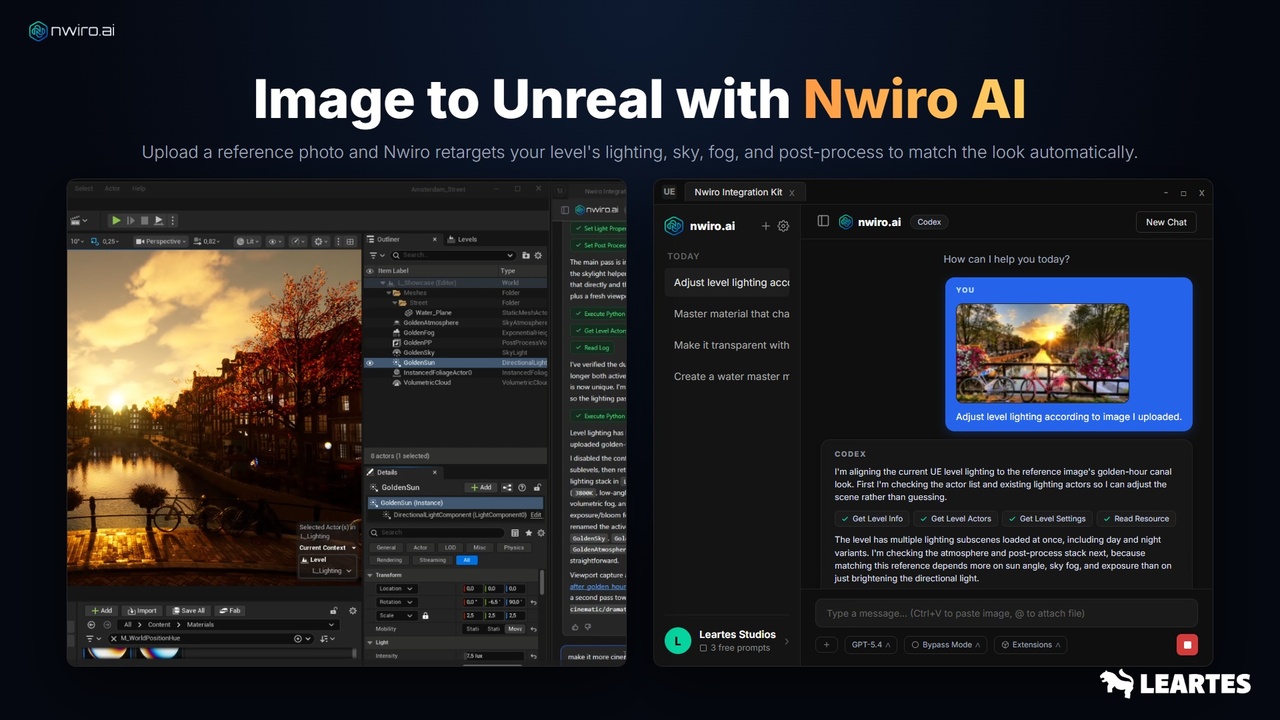
Before it generates anything, Nwiro scans your Content Browser. It sees your folder structure, your variables, your custom C++ classes, which textures are already in the project. As a result, the asset it produces doesn't feel like it dropped in from nowhere it settles into the structure you've already built. To make that concrete: when you upload a reference photo and say "match my level's lighting to this image," Nwiro first checks the existing lighting actors in the scene, then aligns the directional light, sky atmosphere, height fog, and post-process to that golden-hour tone one by one. It isn't guessing; it's reading the current state and building on top of it.
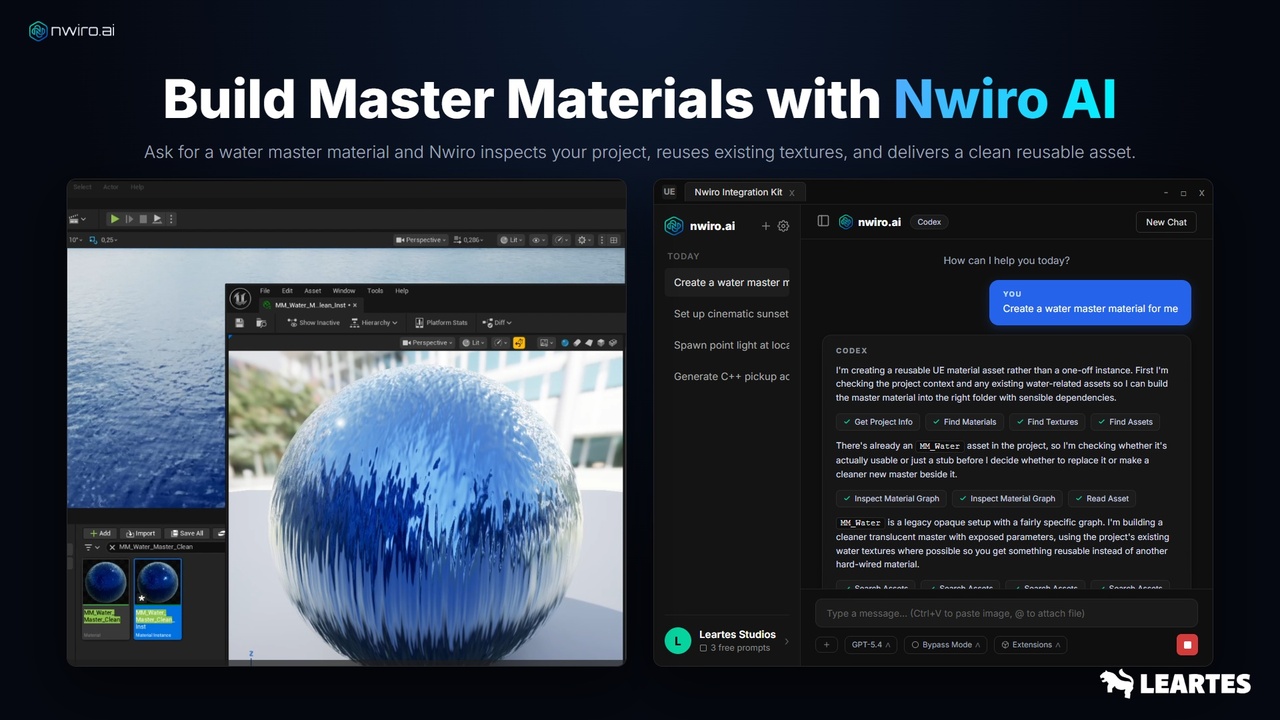
The same logic applies to materials. Say you ask for a water master material. Nwiro first checks whether a ready asset like MM_Water already exists in the project, inspects whether it's genuinely usable or just an old stub, and then decides accordingly: either it cleans up and reuses the existing one, or it builds a tidier new master beside it with its parameters exposed. What you end up with isn't a one-off copy patched onto your project; it's a reusable asset with solid dependencies.
What can it generate?
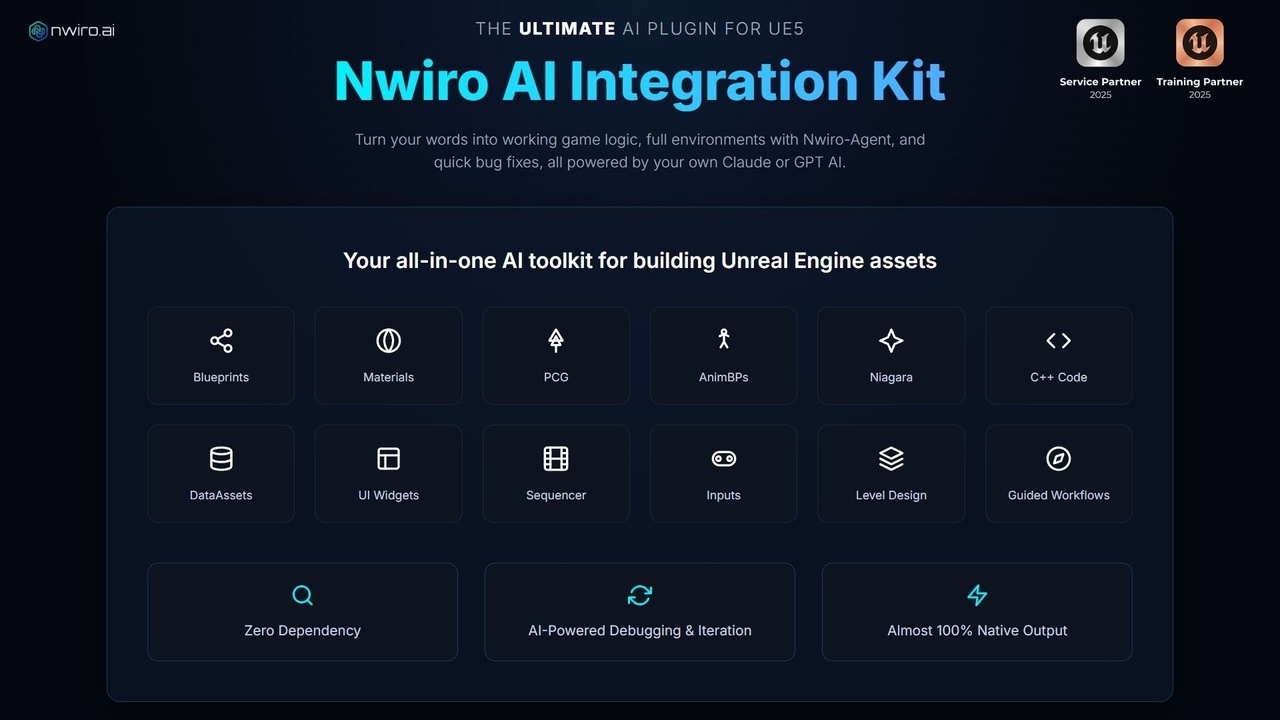
Rather than listing everything out at length, here's the short version: it pulls a Blueprint from a single sentence (jump pads, AI controllers, gameplay mechanics), builds full material graphs with Metallic, Roughness, Emissive, and Fresnel and applies them to the mesh, writes C++ header and cpp files straight into your project, prepares procedural environment setups with PCG graphs, generates Animation Blueprint logic, creates Niagara particle systems, produces UI widgets like health bars and menus, sets up cinematic lighting, arranges Sequencer setups, and configures Enhanced Input.
So the work isn't limited to level design. It reaches all the way into working Blueprints, dynamic materials, particle systems, and C++ scripting in practice, most of what you'd do by hand in the editor, you can get done by talking.
The real difference: it runs on your own AI subscription
This is the most critical thing that sets Nwiro apart from its peers, so let me unpack it a bit. With most AI plugins you run into the same hassle: you get an API key, you manage it through some dashboard, you pay per use, and sometimes the plugin's own server sits in the middle. Nwiro skips that entire chain.
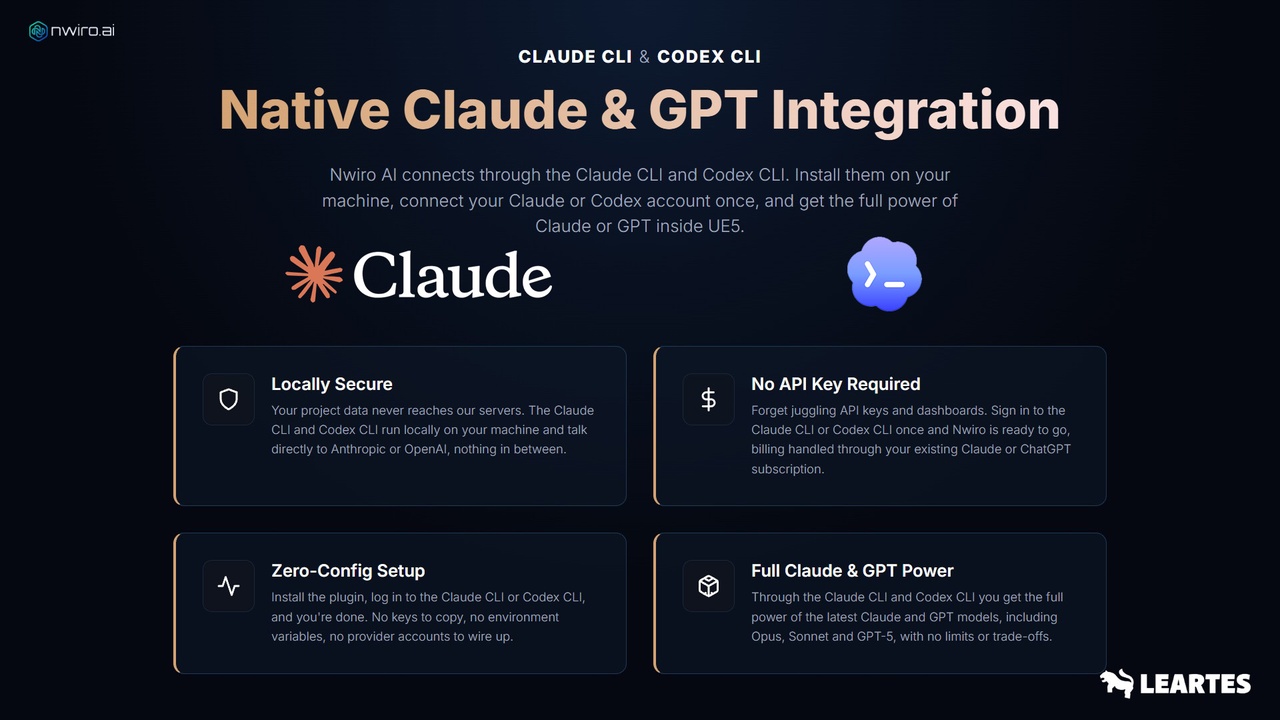
Nwiro connects through the Claude CLI and Codex CLI. You install these tools on your machine, sign in once with your existing Claude or ChatGPT account, and you're done. In practice, here's what that means:
Billing goes through the Claude or ChatGPT subscription you already pay for; you don't separately buy and manage an API key. Your project data never touches Nwiro's servers, because the CLI tools run locally and talk directly to Anthropic or OpenAI there's no one in between. On the setup side there's nothing extra either: install the plugin, log in to the CLI, you're ready. None of the copying keys, defining environment variables, or opening provider accounts steps. On top of that, you get the latest Claude (Opus, Sonnet) and GPT models with no limits or trade-offs.
So why call it "the best"?
We put an ambitious word in the headline, so let's earn it. There are a few concrete things that set Nwiro apart.
First, zero dependency. No external server, no middleware, no layer sitting in between; everything runs through your local CLI setup. Second, it doesn't just generate and walk away it can debug problems in your existing assets, iterate on them, and fix errors. If an asset doesn't come out perfect on the first try, you can just say "fix this too" and keep going. Third, its output is almost 100% native; you get standard UE5 assets, no proprietary formats, no lock-in. Even if you deleted Nwiro tomorrow, everything it produced would stay intact in your project.
On the technical side, Nwiro is compatible with UE5 5.5+. For it to work, the WebBrowserWidget, PythonScriptPlugin, and PCG plugins need to be enabled; these are standard plugins you turn on with a couple of clicks. macOS support is currently in development and coming soon.
Bottom line: if you want to seriously shorten the road from idea to working asset and if doing that with your own AI subscription, without pushing your data outside, matters to you Nwiro AI Integration Kit is one of the most mature AI bridges on the Unreal Engine side right now. If you're a solo developer, it speeds you up; if you're a studio, it takes the repetitive work off your team's shoulders.