
Network ReplicatedNo
Number of Blueprints0
UE Versions5.0, 5.1, 5.2, 5.3, 5.4, 5.5, 5.6, 5.7, 5.8
Number of C++ Classes11
Description
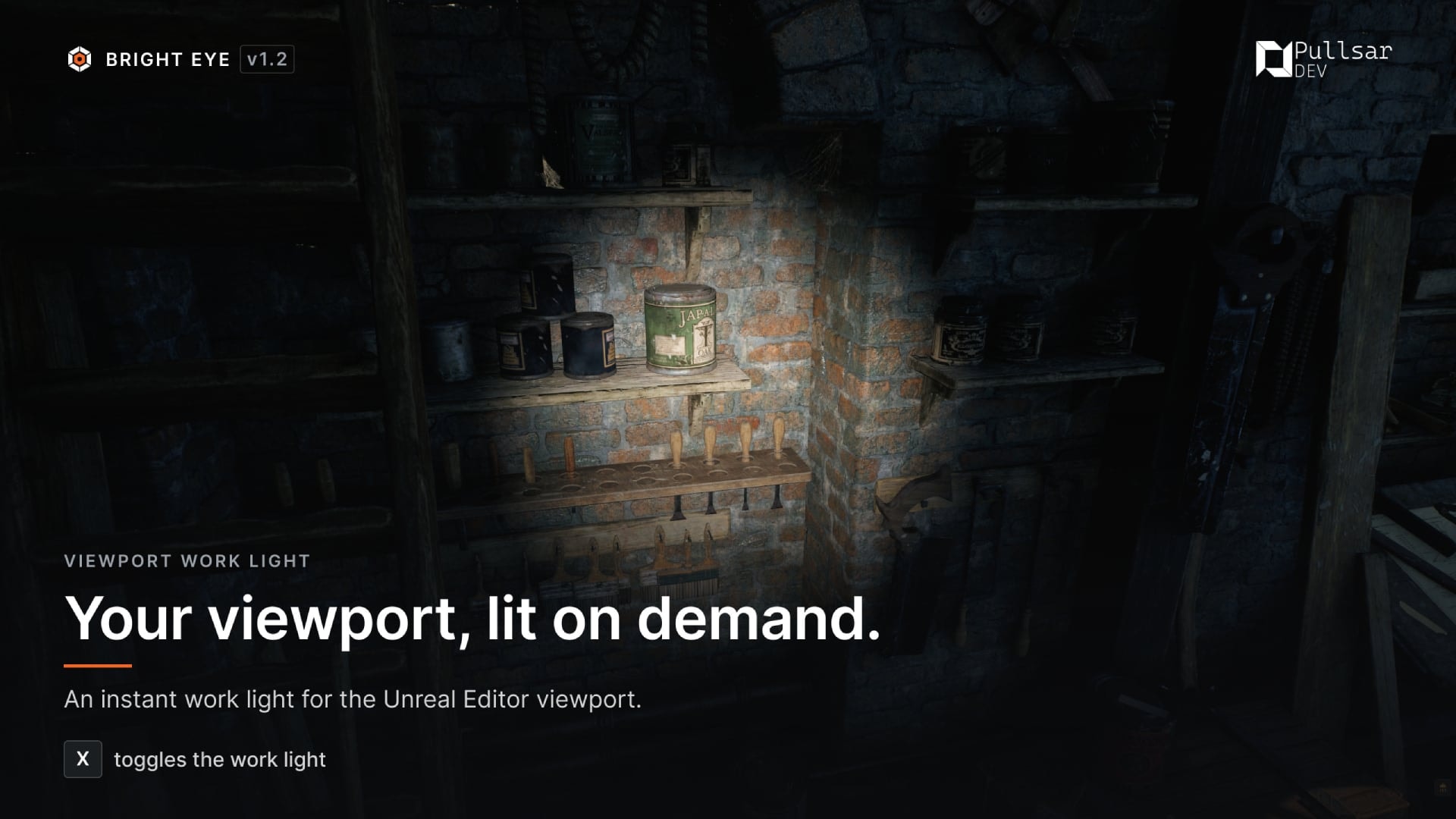
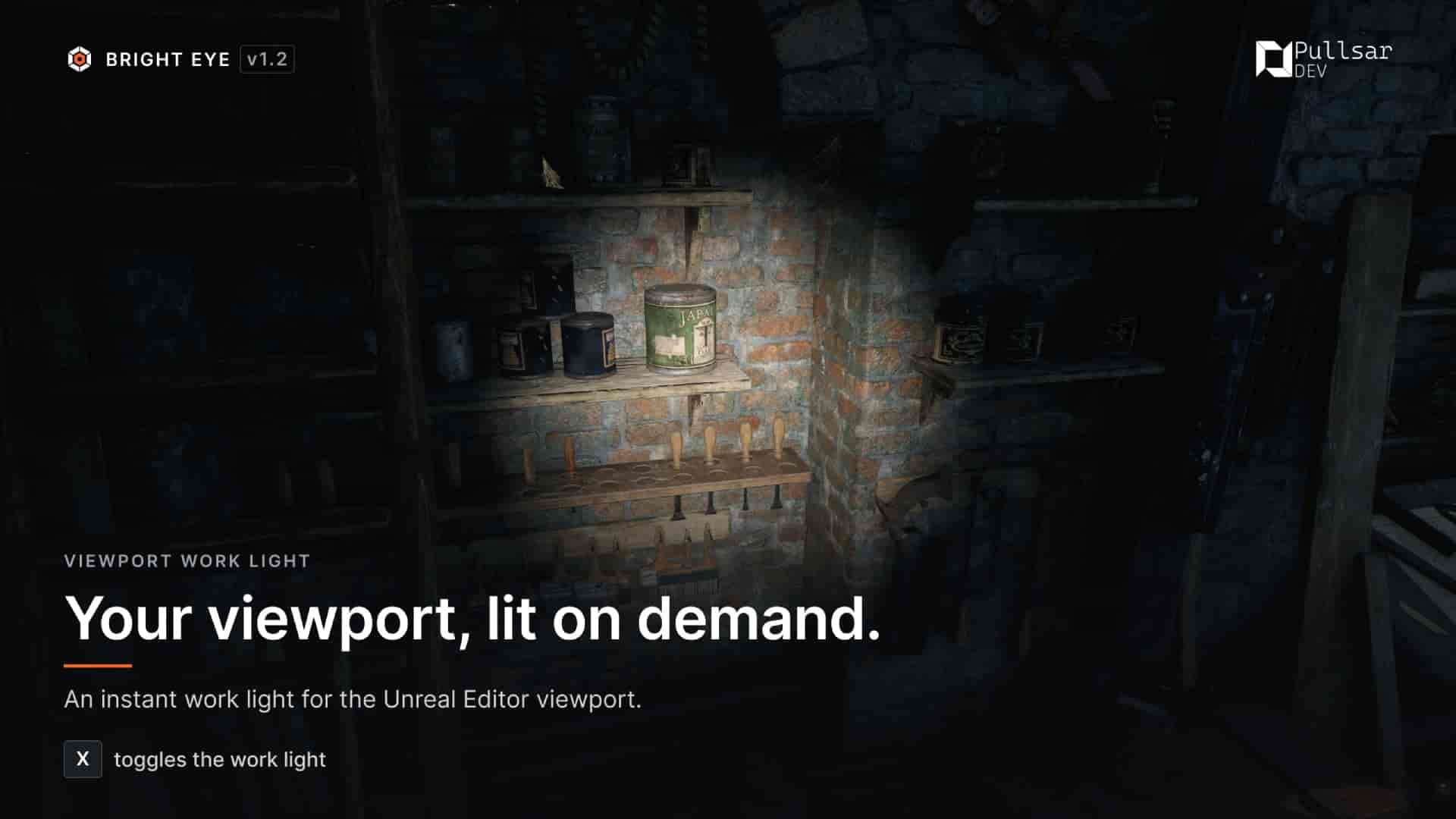
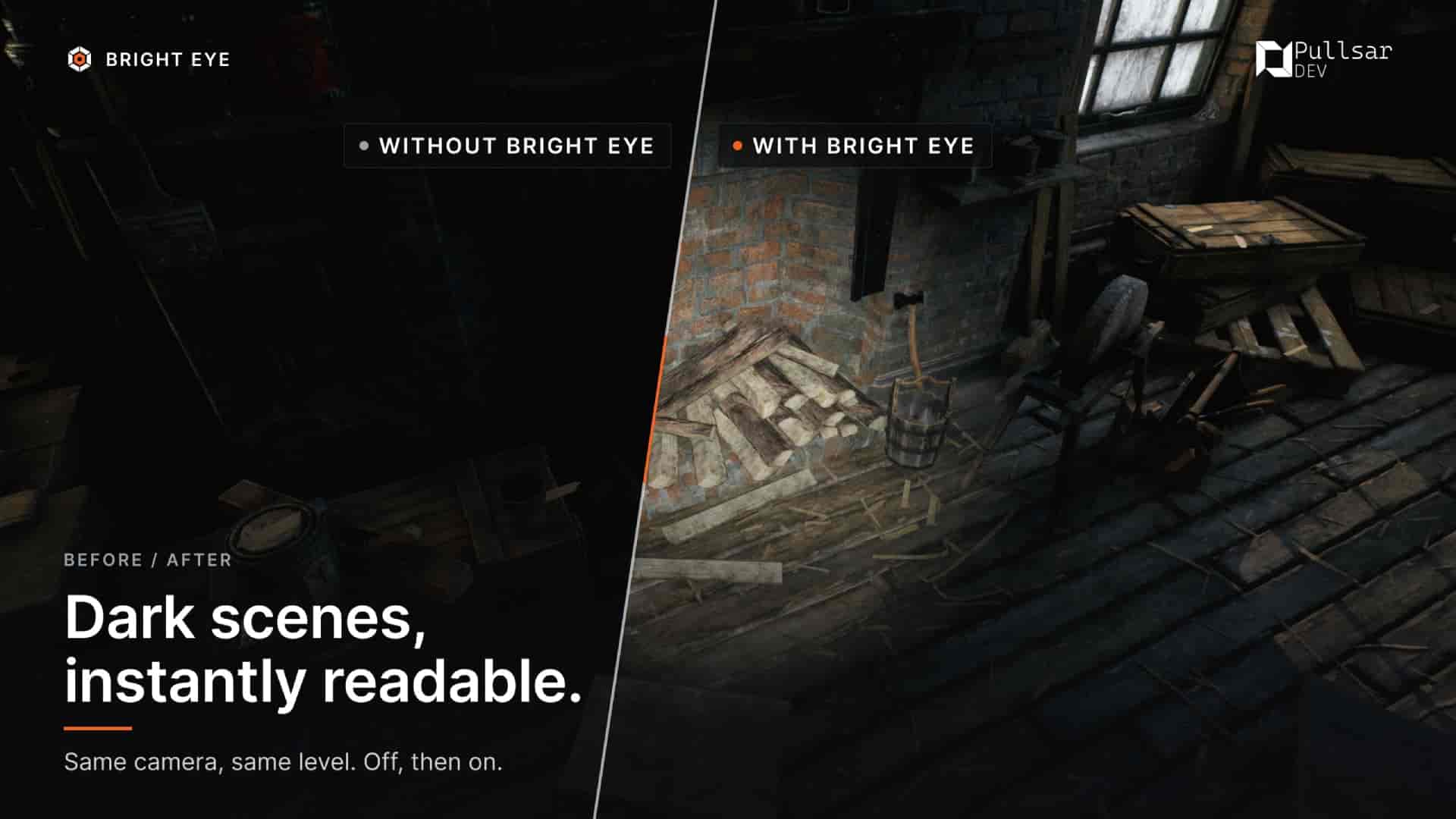
Bright Eye is a work light for the Unreal Editor viewport. Press X and illuminate the dark area you are working on without placing temporary lights, switching out of Lit mode, or adding anything to your level.
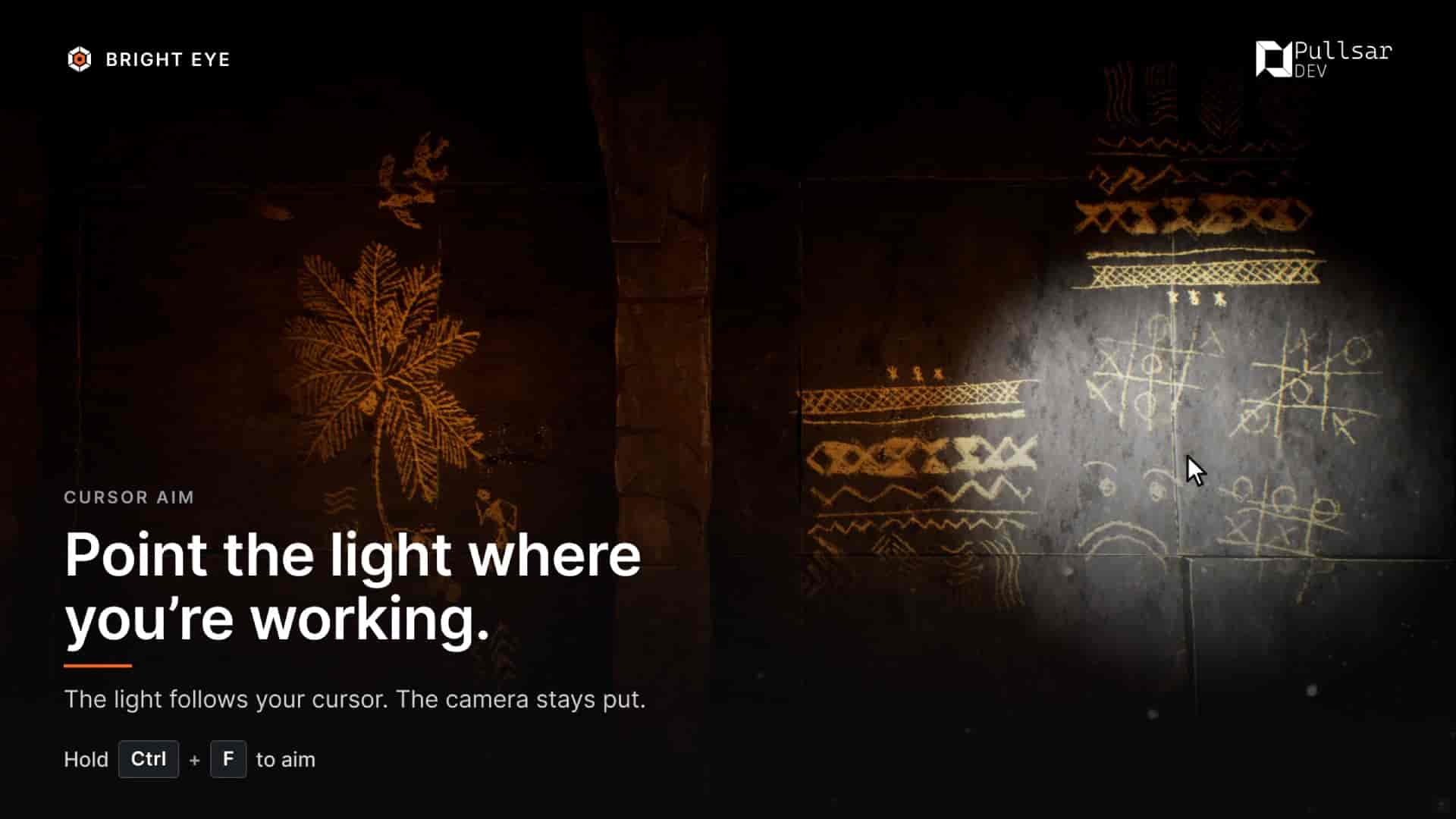
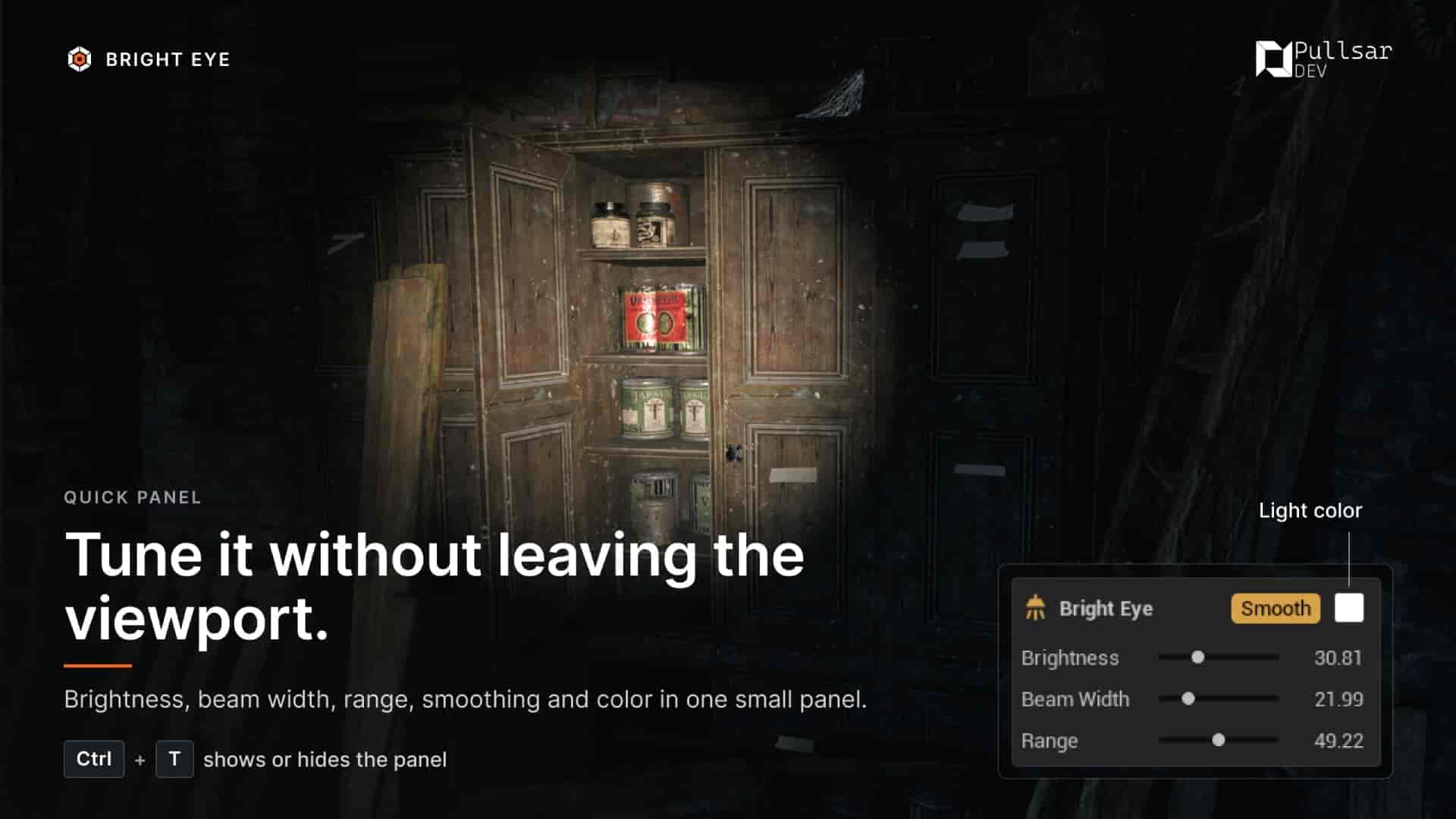
Cursor Aim (hold Ctrl + F) points the light at whatever is under your mouse while the camera stays exactly where it is. A compact movable panel keeps Brightness, Beam Width, Range, Smooth, and Light Color one shortcut away without leaving the viewport.
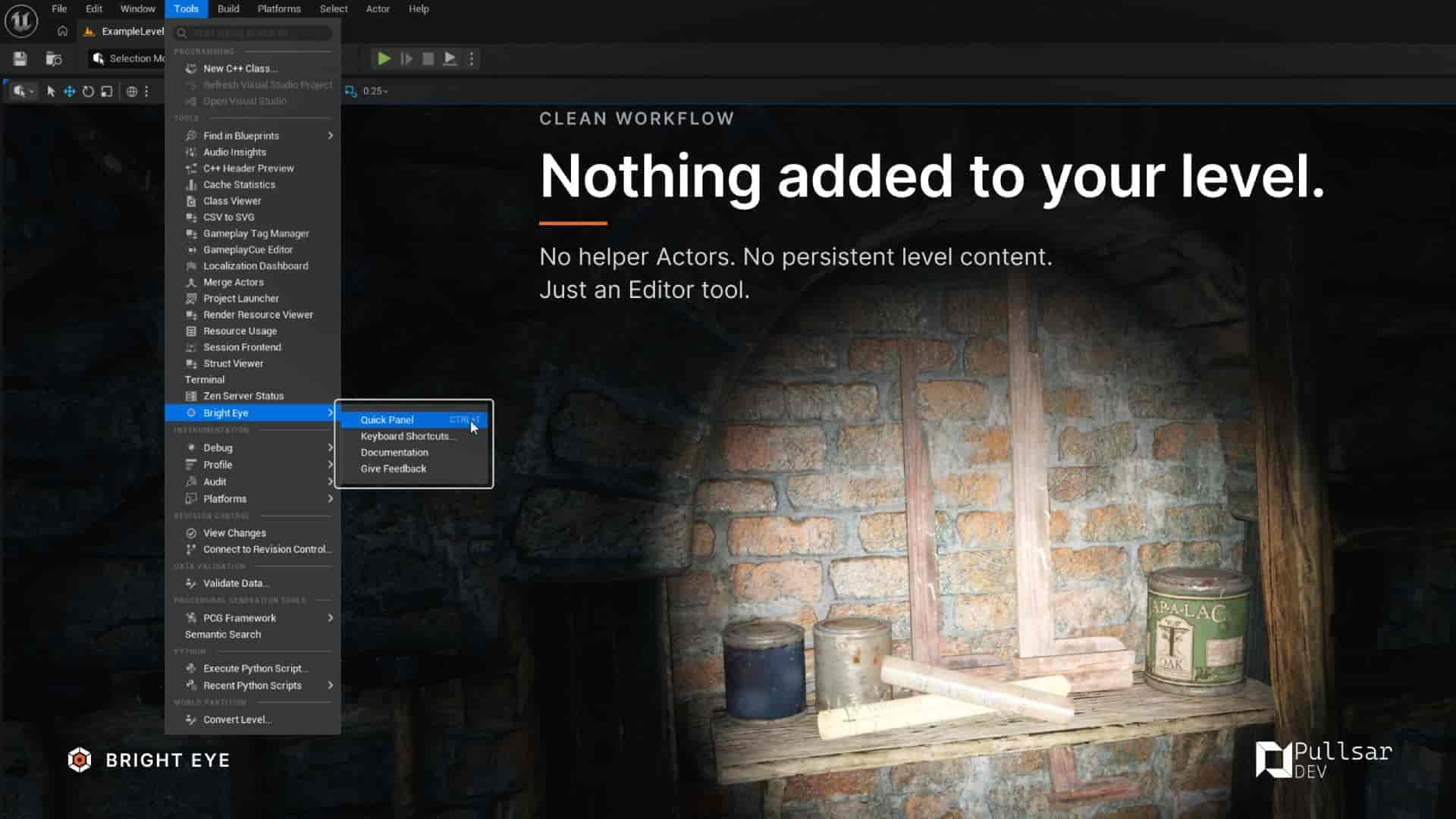
Using Bright Eye does not mark your map as modified. Its settings are stored in your Editor user configuration rather than your project, helping keep levels and source control clean.
Bright Eye is Editor-only by design. It adds no helper Actors or persistent level content, ships no runtime module, and does not provide lighting during PIE or in packaged builds.
Light where you need it.
Features
Key Features
- Work Light — Instantly illuminate the area in front of the viewport camera, without leaving Lit mode.
- Cursor Aim — Hold to aim the light at your cursor while the camera stays put.
- Quick Panel — Brightness, Beam Width, Range, Smooth, and Light Color in one small movable panel that compacts to a single glyph while you work.
- Toggle or Hold — Use Bright Eye as a persistent work light or a temporary flashlight-style tool.
- Smooth Light Rotation — Add a trailing response when you prefer the light to follow the camera more gradually.
- IES Light Profiles — Use a Light Profile texture to shape the light when needed.
- Rebindable Shortcuts — Integrated with Unreal Engine's Keyboard Shortcuts system, with a dedicated viewer for your active bindings.
- Editor-Only — No helper Actor, no persistent level content, no dirtied map, no runtime module. Bright Eye does not light PIE sessions or packaged builds.
Default Shortcuts
- X Work Light · Ctrl + F (hold) Cursor Aim · Ctrl + T Quick Panel
- Reassign them under Bright Eye Actions in Unreal Engine's Keyboard Shortcuts.
AI Content Disclosure